Conversations and media around the exchange.
Open conversations and media from your connected account.
See the actual stepsConversations, templates, media and archives
Connect current conversations with those that already happened.
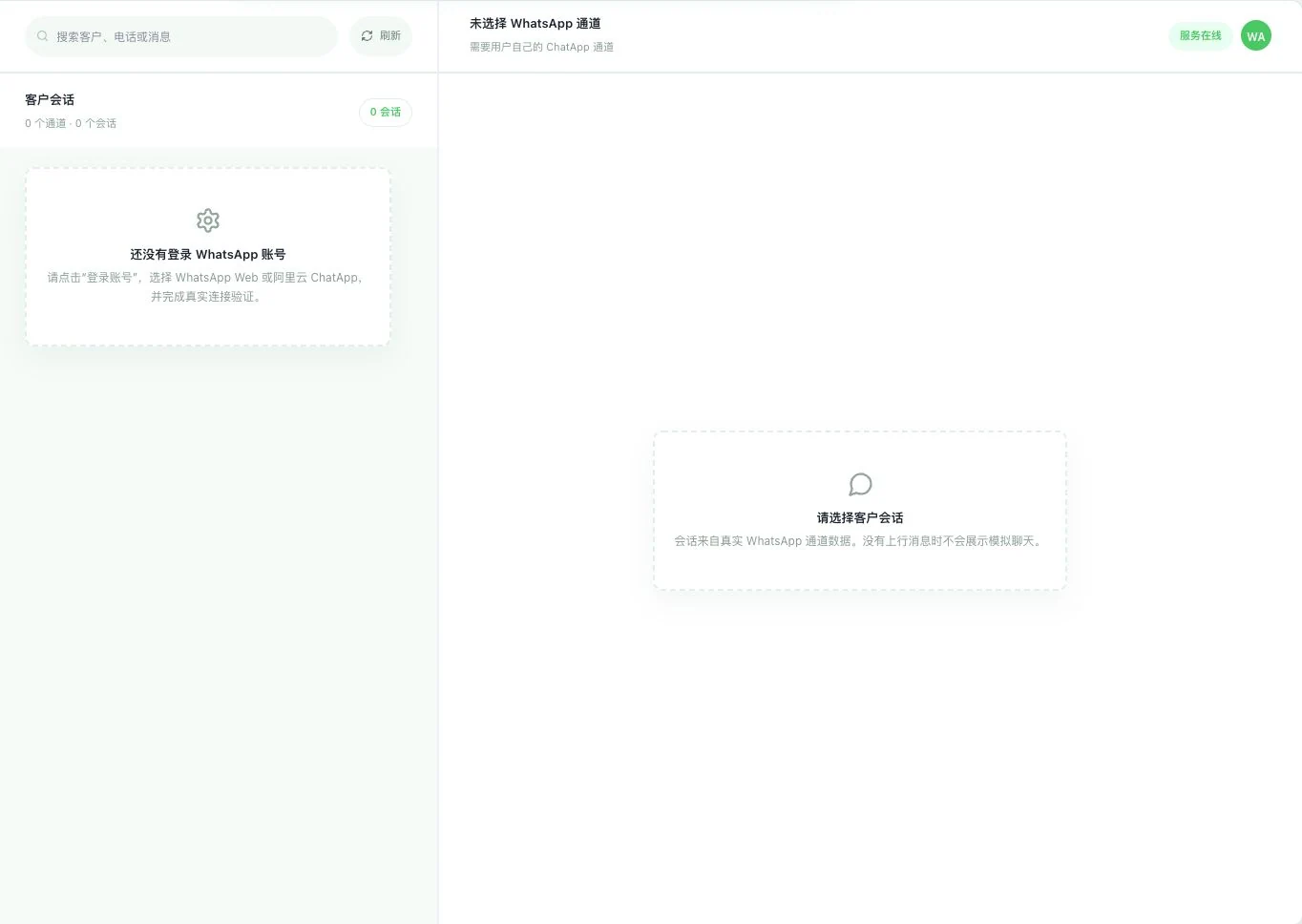
Currently 0 channels and 0 conversations, with no own WhatsApp account signed in. Service-status marks do not prove account connection. No simulated customer messages or actual sending occurred.
See this feature's highlights.
Open conversations and media from your connected account.
See the actual stepsPrepare variable templates according to the channel and review upstream approval or receipts.
See the actual stepsRevisit archived history and keep checking the corresponding communication.
See how to checkConversation evidence: current chats, media and archived history in your own account.
See application scenariosOnce your own account is connected, confirm the route before reviewing conversations, media or history and handling templates and receipts.
See application scenariosRestore context using the original conversation and media. For customer archiving, separately check identity matching and synchronization benefits.
See application scenariosConnect current conversations with those that already happened.
Source: customer conversations, channel numbers, template center, history archives, and signed-in accounts. Web and ChatApp capabilities are explained separately.
Explore the real interface further
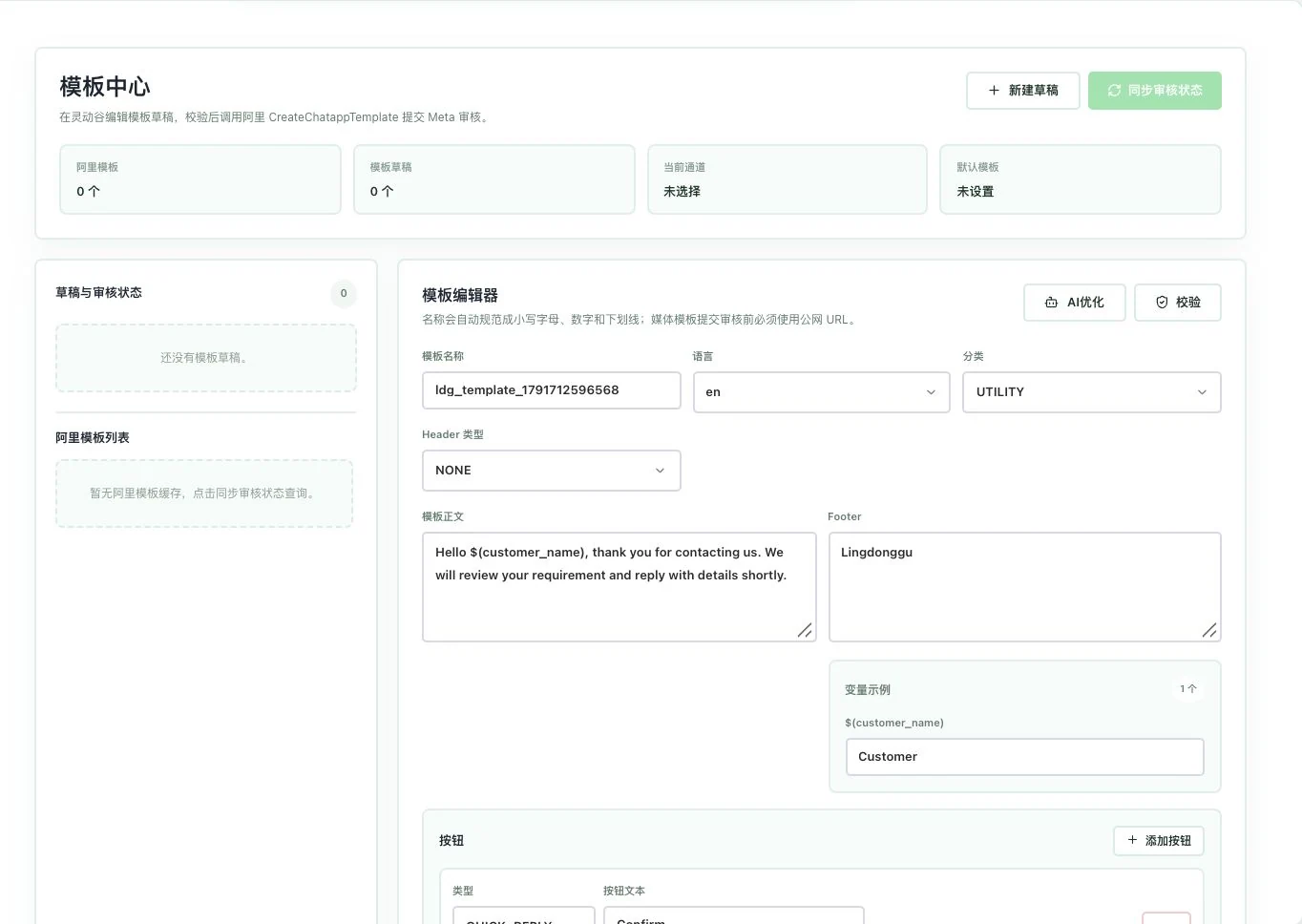
Template and draft counts are 0, and no channel is selected. The editor shows the original example. No saving, AI call, review synchronization, or Meta submission occurred. Template approval is not implied.
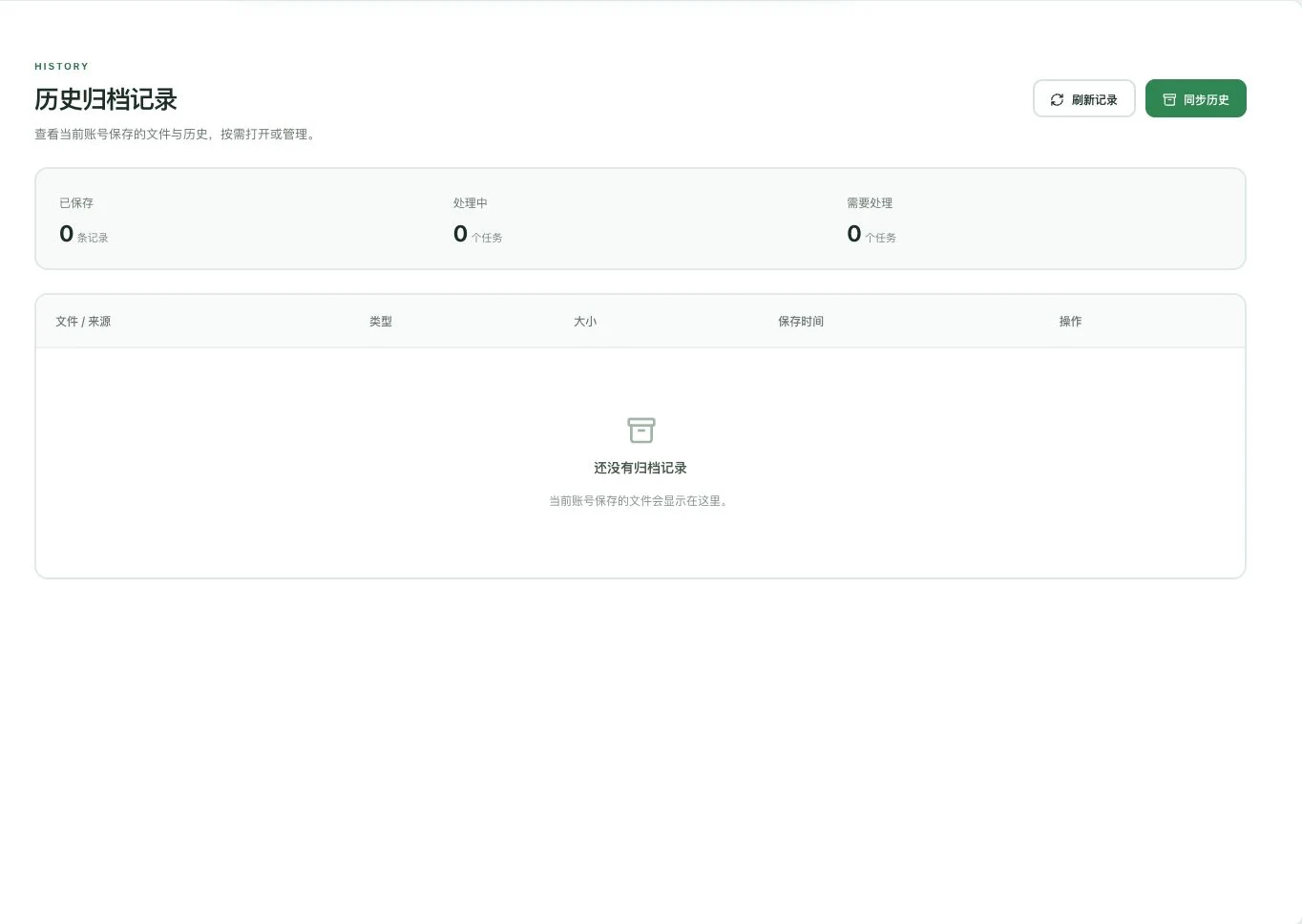
No archive records or tasks exist; only the original entry point was opened. No real conversations synchronized, files saved, or messages sent. History archival completion is not established.
Explain the feature through real work
Suppose the business needs a ChatApp template with variables.
Hypothetical scenario · Feature explanation, not a customer case or completed AI resultWhen to use it
Once your own account is connected, confirm the route before reviewing conversations, media or history and handling templates and receipts.
current chats, media and archived history in your own account.
ChatApp template variables and upstream review, or Web's actual conversation capabilities.
Complete steps
View conversations, media and history in your own account. ChatApp supports variable templates and upstream reviews; Web has no official template center. HTTP callbacks need public reachability. Use receipts to check delivery.
Open conversations and media from your connected account.
Prepare variable templates according to the channel and review upstream approval or receipts.
Revisit archived history and keep checking the corresponding communication.
Conversations and templates have their own states
Customer conversations, channel numbers, template center, archived history and connected accounts are 5 work pages for different information. Template-center capabilities are described for the ChatApp route.
Create a draft, check the body and variables, and upload media or request AI copy suggestions as needed. Generated suggestions still require checking.
Check upstream status after submission. Web has no official template center and cannot be promised ChatApp's review capabilities.
HTTP callbacks must be publicly reachable. Confirm actual receipts after processing; local task submission does not mean the customer received a message.
Understand the tool and human handling separately
Connect current conversations with those that already happened.
Prepare variable templates according to the channel and review upstream approval or receipts.
This compares feature handling scopes. Scenarios explain the sequence, not measured efficiency or completed customer cases.
Connect the work from step to step
Restore context using the original conversation and media. For customer archiving, separately check identity matching and synchronization benefits.
Return to Email and WhatsApp · Linbo for the complete workflowUnderstand before use
ChatApp and Web have different capabilities. HTTP callbacks must be publicly reachable, and delivery follows actual receipts.
Product facts and FAQsBack to the product feature directoryMore details in this product
Understand messages or prepare drafts for the needs of this conversation.
Explore this feature on its own