Select the country first.
Choose a country or region and review available cities and categories.
See the actual stepsCountries, cities and categories
Turn a broad market idea into a search scope you can verify company by company.
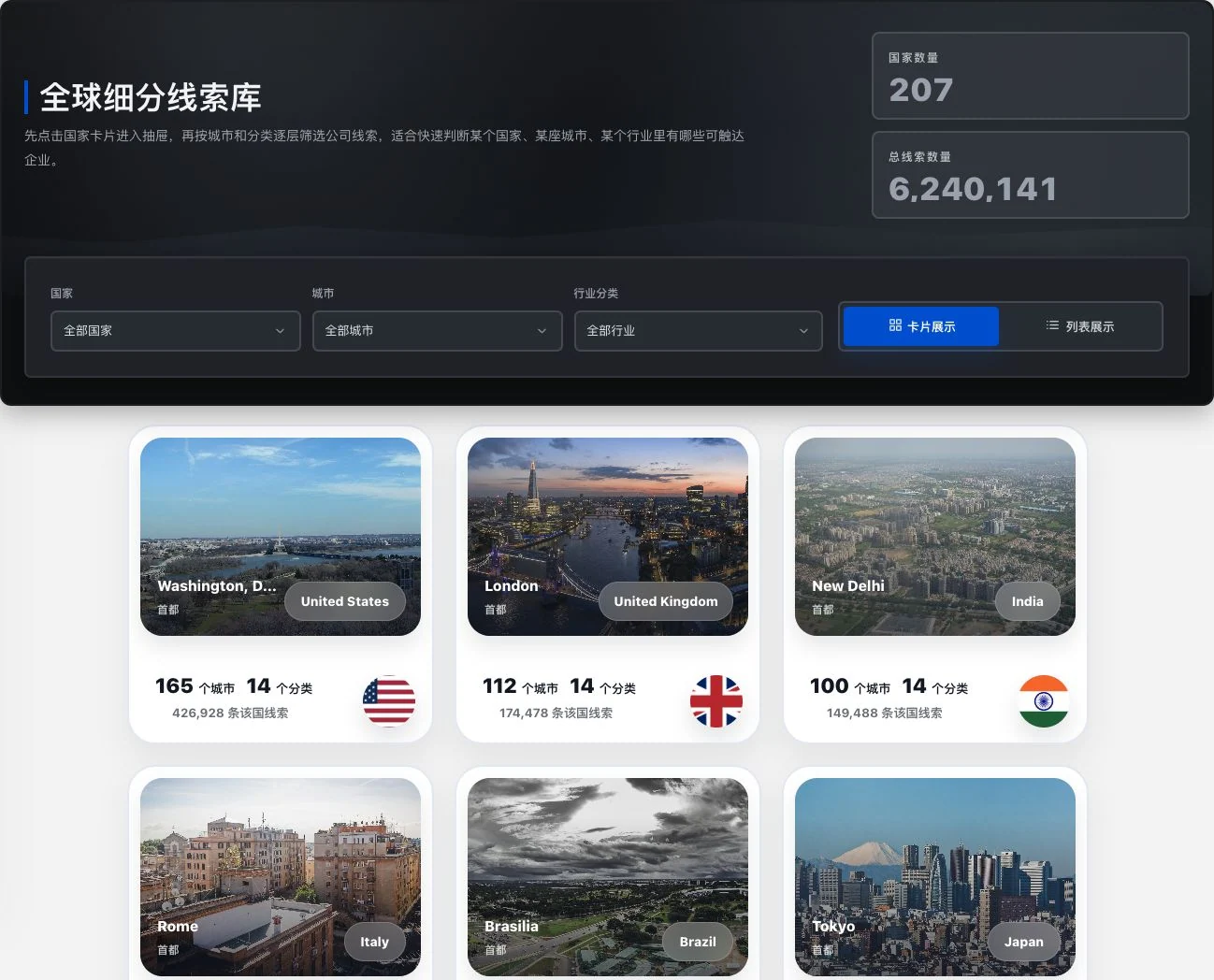
Original current directory cards and statistics. 207 is the number of country entries, not evidence of company records in every country. Check data volume and freshness separately. No information unlocked.
Turn a broad market idea into a search scope you can verify company by company.
Source: current Xunqi country directory. Entry points do not mean every region has lead records.
See this feature's highlights.
Choose a country or region and review available cities and categories.
See the actual stepsNarrow the filters step by step and view existing company information.
See the actual stepsCheck targets against websites, addresses and contact details.
See how to checkMarket focus: the target country, region and categories relevant to your business.
See application scenariosWhen a country is too broad a research area, use cities and categories to make the search more specific.
See application scenariosUse that more specific scope to search company records and review contacts and sources.
See application scenariosExplain the feature through real work
Suppose you begin researching packaging companies in a target country.
Hypothetical scenario · Feature explanation, not a customer case or completed AI resultWhen to use it
When a country is too broad a research area, use cities and categories to make the search more specific.
the target country, region and categories relevant to your business.
company websites, addresses and existing contact details.
Complete steps
Select a country, narrow by city and category, and view websites, addresses and existing contact details. A selectable directory does not mean company records exist for every region.
Choose a country or region and review available cities and categories.
Narrow the filters step by step and view existing company information.
Check targets against websites, addresses and contact details.
Explore the real interface further
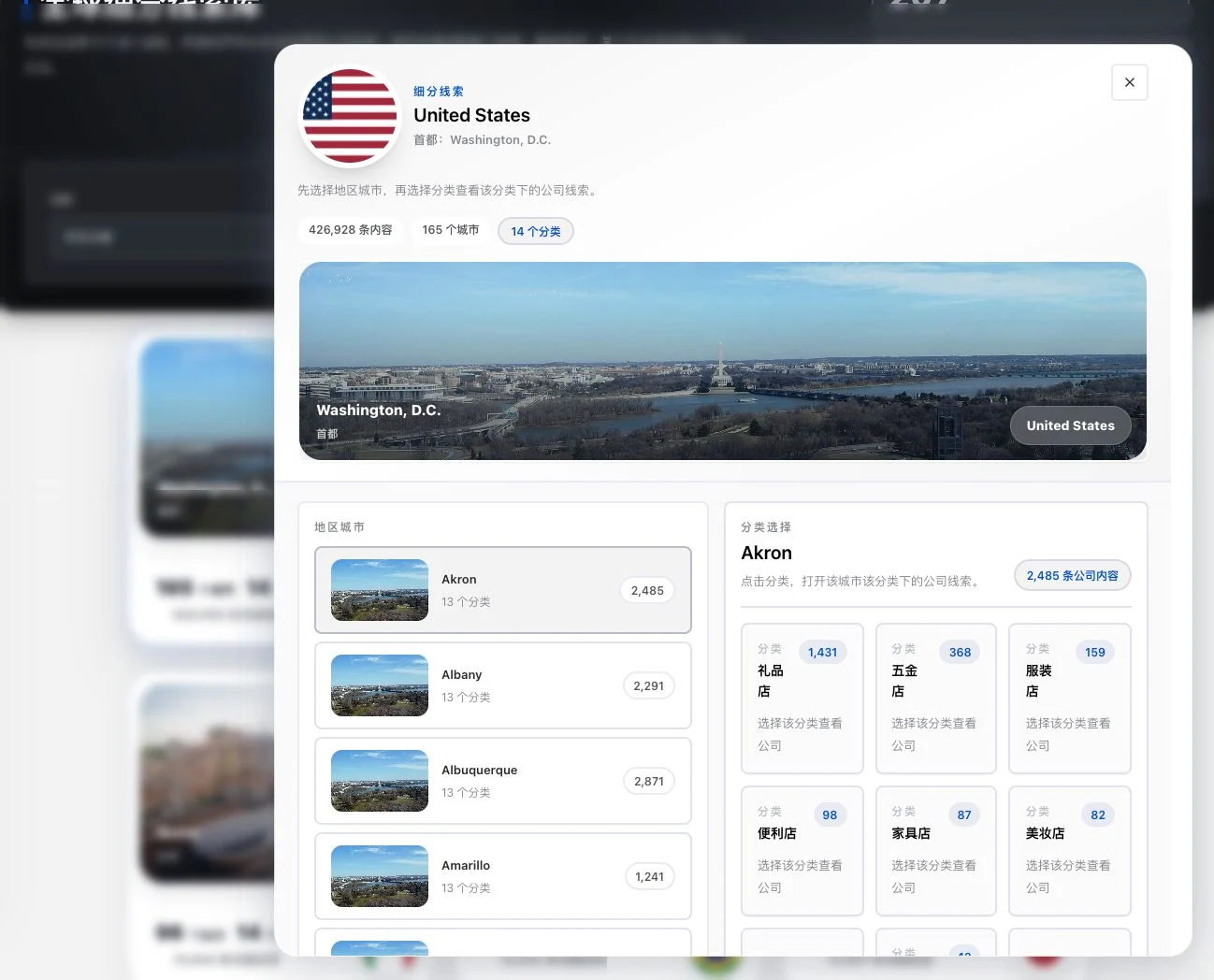
Only the original country drawer and city selection were used. Categories and counts come from the current database. Full contact information was not viewed or unlocked. Category counts do not establish currently reachable businesses or buying needs.
Understand the tool and human handling separately
Turn a broad market idea into a search scope you can verify company by company.
Narrow the filters step by step and view existing company information.
This compares feature handling scopes. Scenarios explain the sequence, not measured efficiency or completed customer cases.
Connect the work from step to step
Use that more specific scope to search company records and review contacts and sources.
Return to Xunqi and CRM customer management for the complete workflowUnderstand before use
Available regions and categories are directory links, not a guarantee of records in every location.
Product facts and FAQsBack to the product feature directoryMore details in this product
Return to company information in its trade show context to prepare evidence for follow-up organization and contact.
Explore this feature on its own