Community information as a starting point.
Search current community information by industry and region.
See the actual stepsWeChat groups, cargo listings and trade leads
Use communities, cargo listings and historical trade records as research starting points, then assess business relevance.
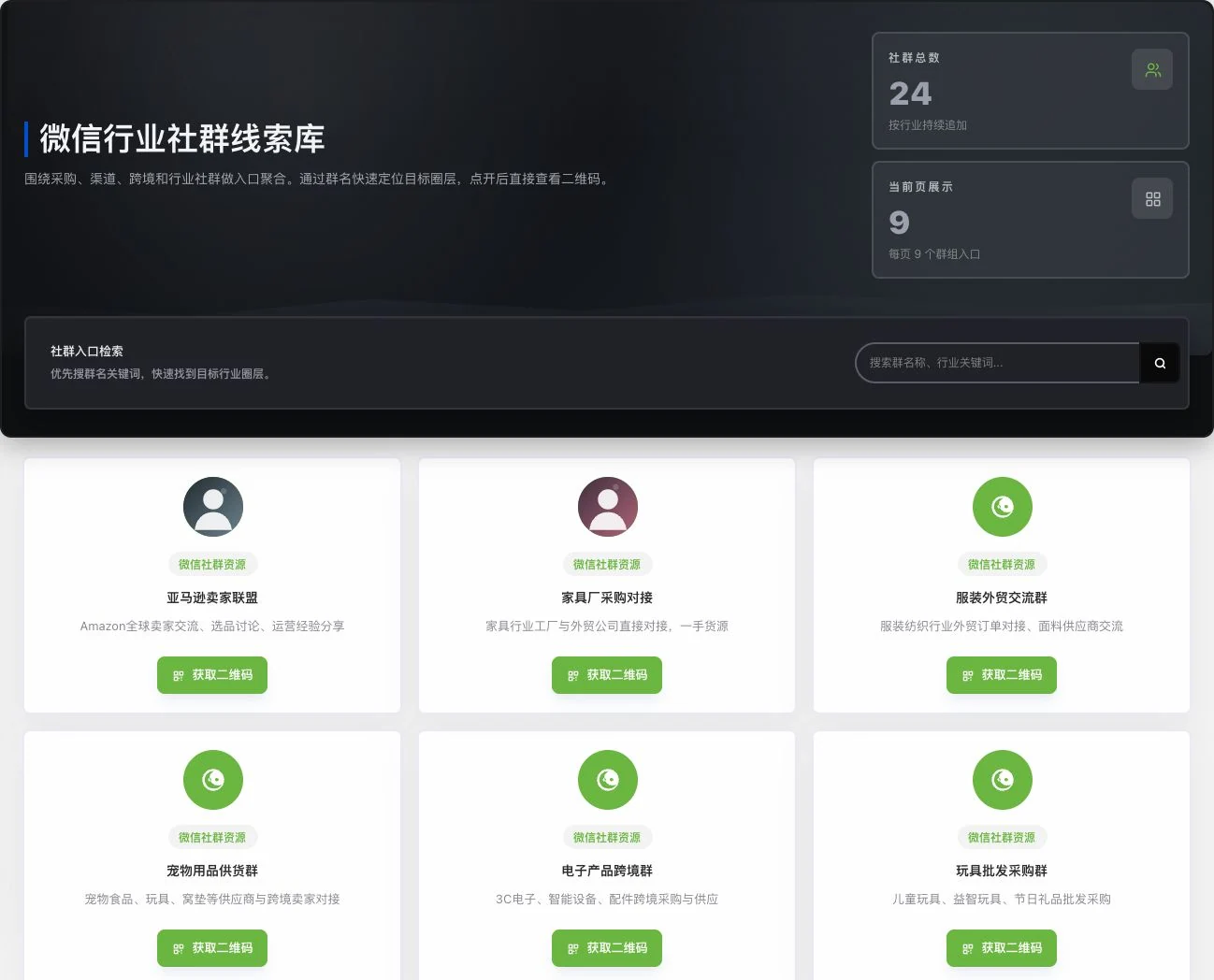
Only the original community directory was viewed. No QR code obtained, community joined, or member contacted. Entries do not prove institutional partnerships, current member counts, or available buying needs.
See this feature's highlights.
Search current community information by industry and region.
See the actual stepsReview existing QR codes, cargo listings or company trade records.
See the actual stepsReturn to the source to confirm status and choose entries for further research.
See how to checkResearch focus: the industry, region and products you actually want to understand.
See application scenariosUse industry communities, available cargo listings and trade background as starting points for further research.
See application scenariosUse verified information for your own purchasing or market research. Do not turn unconfirmed entries into commitments to customers.
See application scenariosUse communities, cargo listings and historical trade records as research starting points, then assess business relevance.
How the feature works. Actual results depend on information, permissions, and service requirements.
When to use it
Use industry communities, available cargo listings and trade background as starting points for further research.
the industry, region and products you actually want to understand.
existing community QR codes, cargo listing descriptions or company trade records.
Complete steps
Find WeChat groups by industry and region and view sources and available QR codes. Also view cargo listings and company trade records. Check group information; historical records are not current inquiries.
Search current community information by industry and region.
Review existing QR codes, cargo listings or company trade records.
Return to the source to confirm status and choose entries for further research.
Explore the real interface further
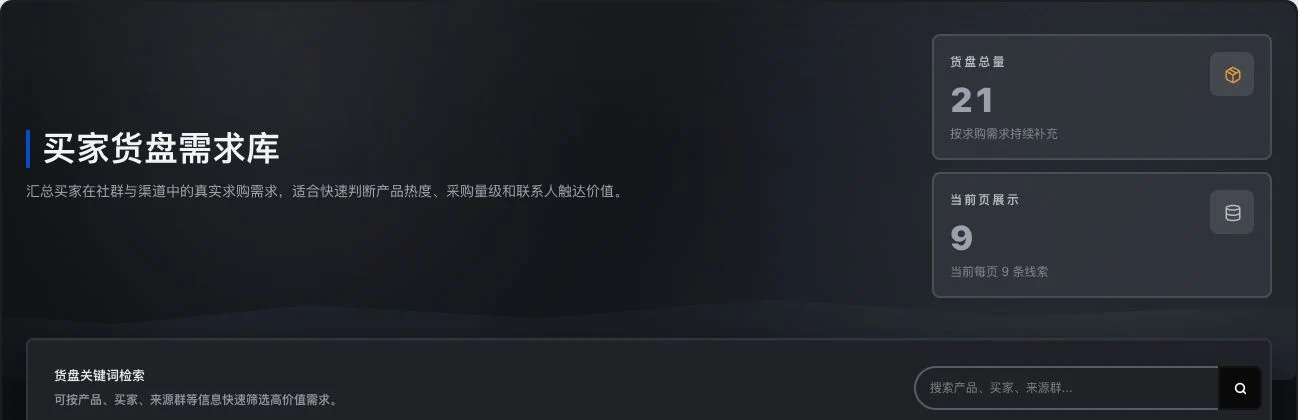
Only the filter header remains. No contacts shown, search executed, or information unlocked. Entry counts do not equal new inquiries, valid buying needs, or customer-confirmed transactions.
Explain the feature through real work
Suppose you are researching industry cargo listings in a particular region.
Hypothetical scenario · Feature explanation, not a customer case or completed AI resultUnderstand the tool and human handling separately
Use communities, cargo listings and historical trade records as research starting points, then assess business relevance.
Review existing QR codes, cargo listings or company trade records.
This compares feature handling scopes. Scenarios explain the sequence, not measured efficiency or completed customer cases.
Connect the work from step to step
Use verified information for your own purchasing or market research. Do not turn unconfirmed entries into commitments to customers.
Return to Xunqi and CRM customer management for the complete workflowUnderstand before use
Community status can change. Past records are not current inquiries or promises of available stock.
Product facts and FAQsBack to the product feature directoryMore details in this product
Keep temporary discoveries so your next search has a starting point.
Explore this feature on its own