View key dates by month.
Choose the month and target market.
See the actual stepsMarket holidays and follow-up calendar
Plan market communication in step with local schedules.
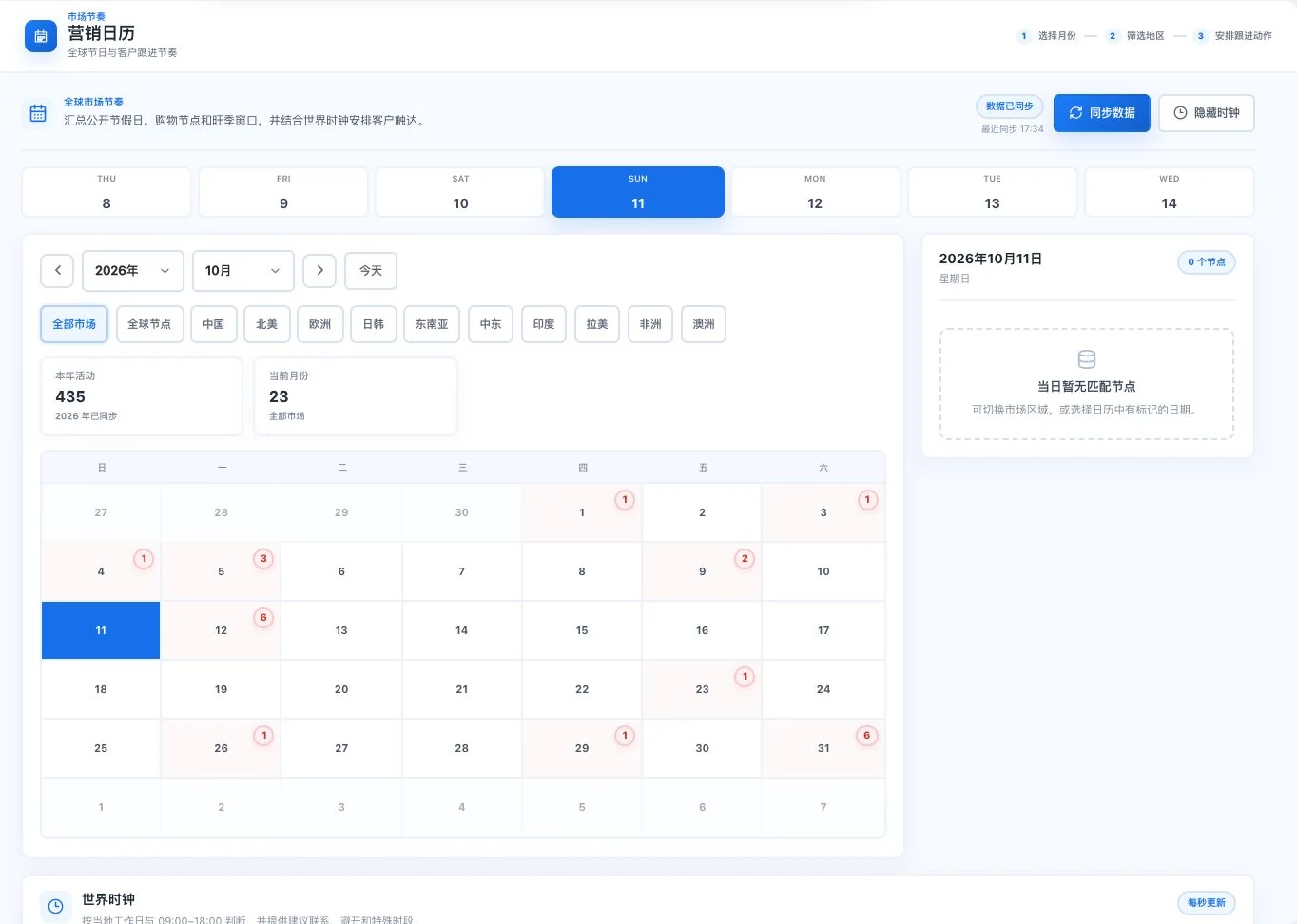
Synchronized calendar at capture, with no matching event for the selected date. Counts change with data. No follow-up task was created; verify holidays and events against local announcements.
Plan market communication in step with local schedules.
How the feature works. Actual results depend on information, permissions, and service requirements.
See this feature's highlights.
Choose the month and target market.
See the actual stepsView current holidays, marketing dates, and action suggestions.
See the actual stepsCheck local announcements before scheduling content or follow-up.
See how to checkExplain the feature through real work
Suppose you want to send content before a holiday in the target market.
Hypothetical scenario · Feature explanation, not a customer case or completed AI resultWhen to use it
When planning content and follow-up for a target market, review milestones first and verify the actual local dates.
month and target market.
current holidays, marketing milestones and the latest local announcements.
Complete steps
View marketing dates by target market and plan content and follow-up. Check event dates against local announcements.
Choose the month and target market.
View current holidays, marketing dates, and action suggestions.
Check local announcements before scheduling content or follow-up.
Understand the tool and human handling separately
Plan market communication in step with local schedules.
View current holidays, marketing dates, and action suggestions.
This compares feature handling scopes. Scenarios explain the sequence, not measured efficiency or completed customer cases.
Connect the work from step to step
Use confirmed dates for team tasks or content plans and monitor actual changes before execution.
Return to Trade information and learning for the complete workflowUnderstand before use
Dates and event conditions can change. Check actual plans against the latest local announcements.
Product facts and FAQsBack to the product feature directoryMore details in this product
Organize learning and practical resources by task.
Explore this feature on its own