Link the original commercial invoice.
Link the original commercial invoice requiring adjustment.
See the actual stepsCredit and adjustment notice
Make the relationship between the adjustment and original transaction clear.
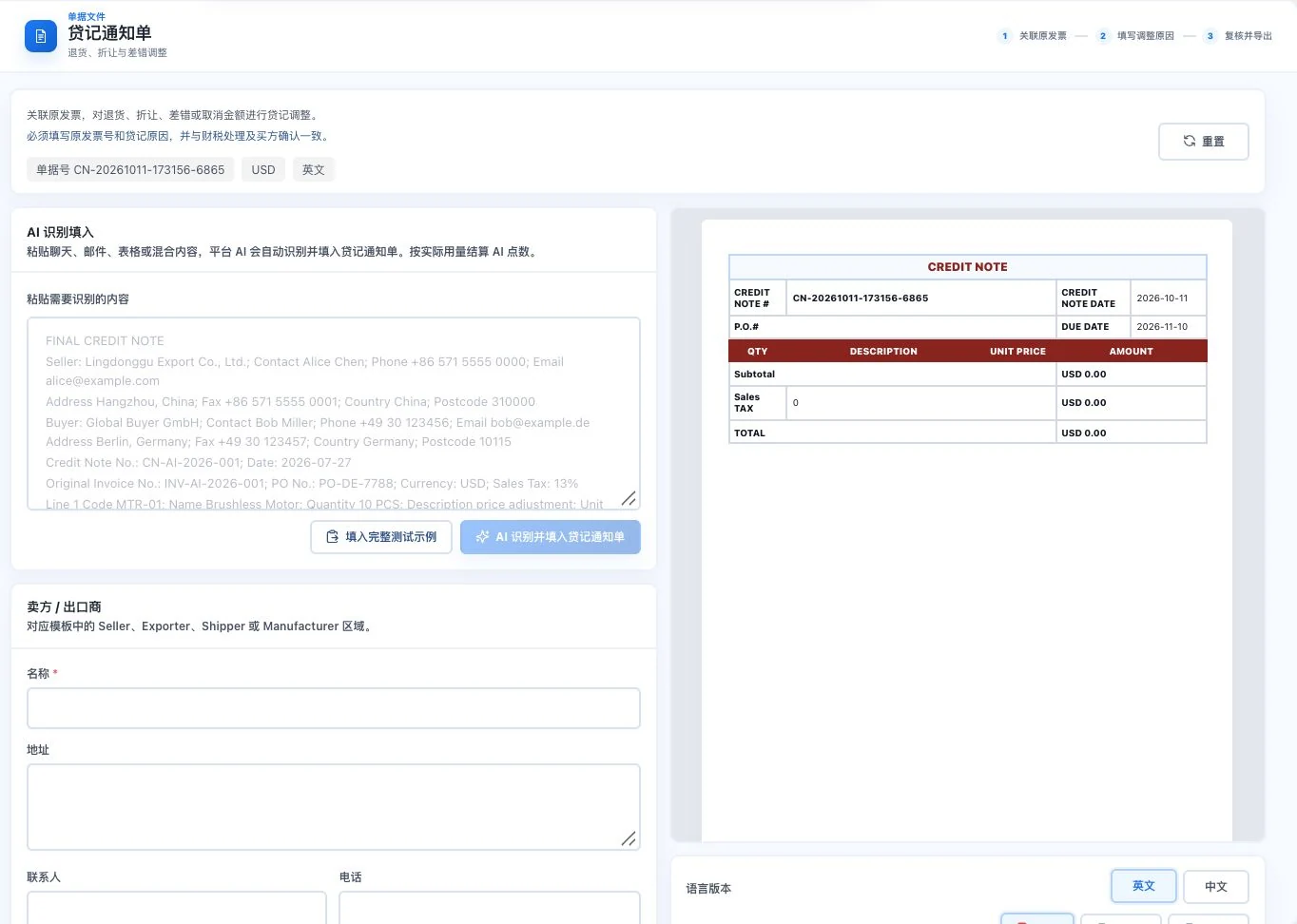
Original default blank form with amount 0. No AI call, export, or transaction adjustment confirmation occurred. Relevant parties must verify actual allowances and financial or tax treatment.
Make the relationship between the adjustment and original transaction clear.
How the feature works. Actual results depend on information, permissions, and service requirements.
See this feature's highlights.
Link the original commercial invoice requiring adjustment.
See the actual stepsEnter reasons and records for allowances, returns, or error corrections.
See the actual stepsReview the parties’ agreement and prepare the relevant notice.
See how to checkUnderstand the tool and human handling separately
Make the relationship between the adjustment and original transaction clear.
Enter reasons and records for allowances, returns, or error corrections.
This compares feature handling scopes. Scenarios explain the sequence, not measured efficiency or completed customer cases.
Explain the feature through real work
Suppose some goods are returned and the original transaction needs adjustment.
Hypothetical scenario · Feature explanation, not a customer case or completed AI resultWhen to use it
When the original transaction needs a discount, return or error correction, clearly connect the reason to its commercial invoice.
the commercial invoice and related information to adjust.
reasons, amounts or records and the parties' agreement.
Complete steps
Prepare discounts, returns or error adjustments related to an original commercial invoice. Both parties must still confirm transaction, financial and tax treatment.
Link the original commercial invoice requiring adjustment.
Enter reasons and records for allowances, returns, or error corrections.
Review the parties’ agreement and prepare the relevant notice.
Connect the work from step to step
After confirmation, give the information to both parties and professionals for the corresponding business, financial and tax records.
Return to Quotations and trade documents for the complete workflowUnderstand before use
Transaction confirmation and financial or tax treatment still require review by both parties and relevant professionals.
Product facts and FAQsBack to the product feature directoryMore details in this product
Keep a traceable business explanation of confirmed payments.
Explore this feature on its own