List products and transaction terms clearly.
Enter products, quantity, currency, and transaction terms.
See the actual stepsQuotation and internal costs
Handle customer documents and internal calculations separately to explain this transaction clearly.
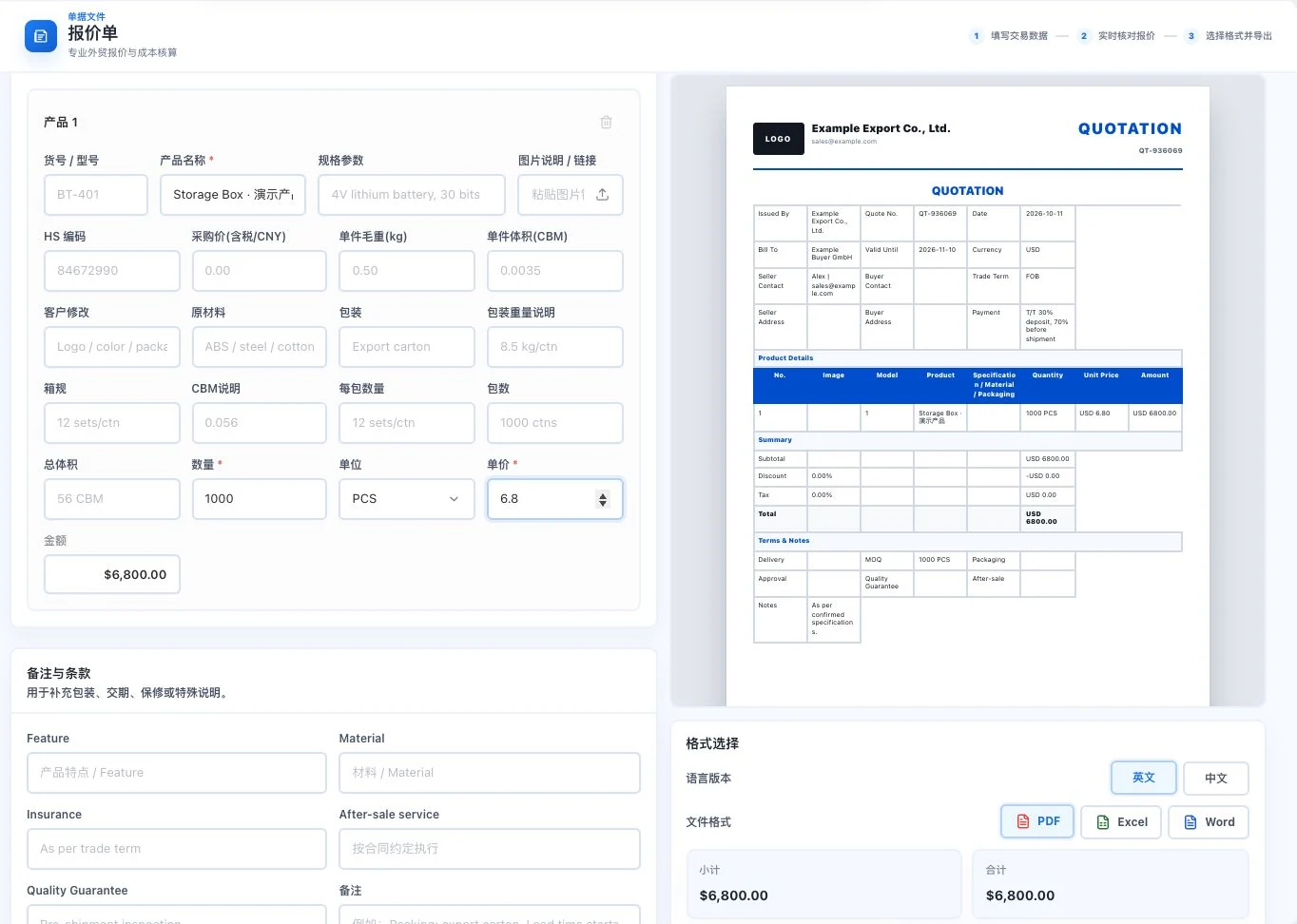
Example Export Co. and Example Buyer GmbH are demo inputs. Storage Box uses 1,000 units × USD 6.80. Preview only; no export or customer sending occurred.
See this feature's highlights.
Enter products, quantity, currency, and transaction terms.
See the actual stepsChoose a Chinese or English preview and check internal costs separately.
See the actual stepsConfirm customer unit prices, then export PDF, Excel, or Word according to permissions.
See how to checkQuotation information: products, quantities, currency and current transaction terms.
See application scenariosWhen turning confirmed products and transaction terms into a customer quotation, handle customer-facing documents separately from internal calculations.
See application scenariosOnce the quotation is confirmed, prepare the appropriate transaction documents. New payment or shipping arrangements still need confirmation for this transaction.
See application scenariosHandle customer documents and internal calculations separately to explain this transaction clearly.
Source: PDF, Excel, and Word, with Chinese and English previews. Actual export availability depends on the account.
Explore the real interface further
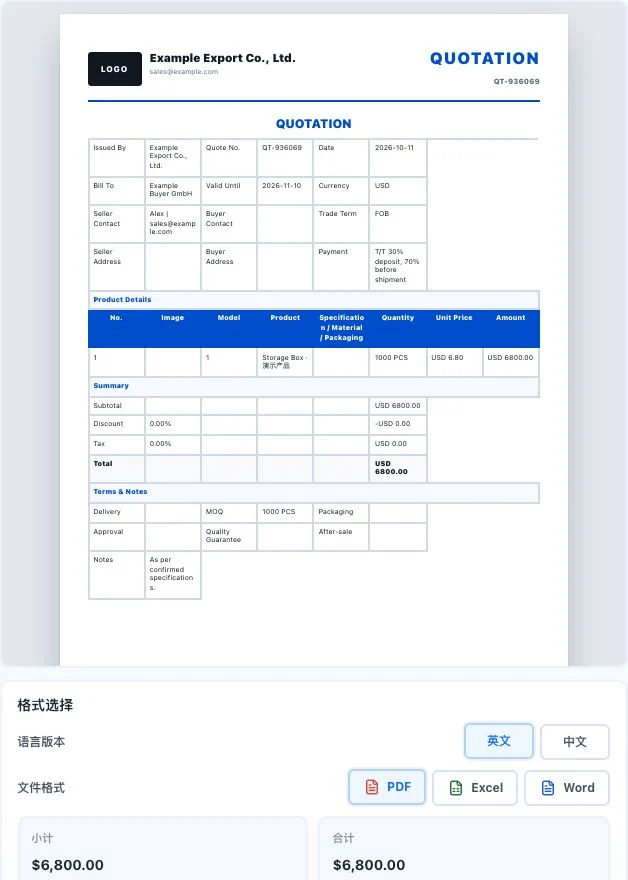
Uses the same Example demo companies and Storage Box inputs. USD 6,800 is a demo amount. Format controls are visible, but no export or sending occurred. This is not an actual transaction document.
When to use it
When turning confirmed products and transaction terms into a customer quotation, handle customer-facing documents separately from internal calculations.
products, quantities, currency and current transaction terms.
customer unit prices, Chinese or English preview and account export permissions.
Complete steps
Enter products, quantities, currency and transaction terms. Preview Chinese or English quotations and export PDF, Excel or Word. Internal costs stay out of customer files and do not overwrite customer unit prices. Export depends on account conditions.
Enter products, quantity, currency, and transaction terms.
Choose a Chinese or English preview and check internal costs separately.
Confirm customer unit prices, then export PDF, Excel, or Word according to permissions.
Understand the tool and human handling separately
The example product is Storage Box, with a separate set of parameters from the cost tool. The user enters the customer unit price; it does not automatically equal internal cost.
Handle customer documents and internal calculations separately to explain this transaction clearly.
Choose a Chinese or English preview and check internal costs separately.
This compares feature handling scopes. Scenarios explain the sequence, not measured efficiency or completed customer cases.
Explain the feature through real work
Suppose the customer quotation is for 1,000 units at US$6.80 each.
Hypothetical scenario · Feature explanation, not a customer case or completed AI resultConnect the work from step to step
Once the quotation is confirmed, prepare the appropriate transaction documents. New payment or shipping arrangements still need confirmation for this transaction.
Return to Quotations and trade documents for the complete workflowUnderstand before use
Internal costs are excluded from customer documents and do not automatically overwrite customer prices. Export availability depends on the account.
Product facts and FAQsBack to the product feature directoryMore details in this product
Give both parties the same goods and amount information to compare.
Explore this feature on its own