Different audiences. Different scenarios.
Choose an article, email, social, video, or export-business scenario.
See the actual steps13 content draft scenarios
Let different content formats reuse the same confirmed product information.
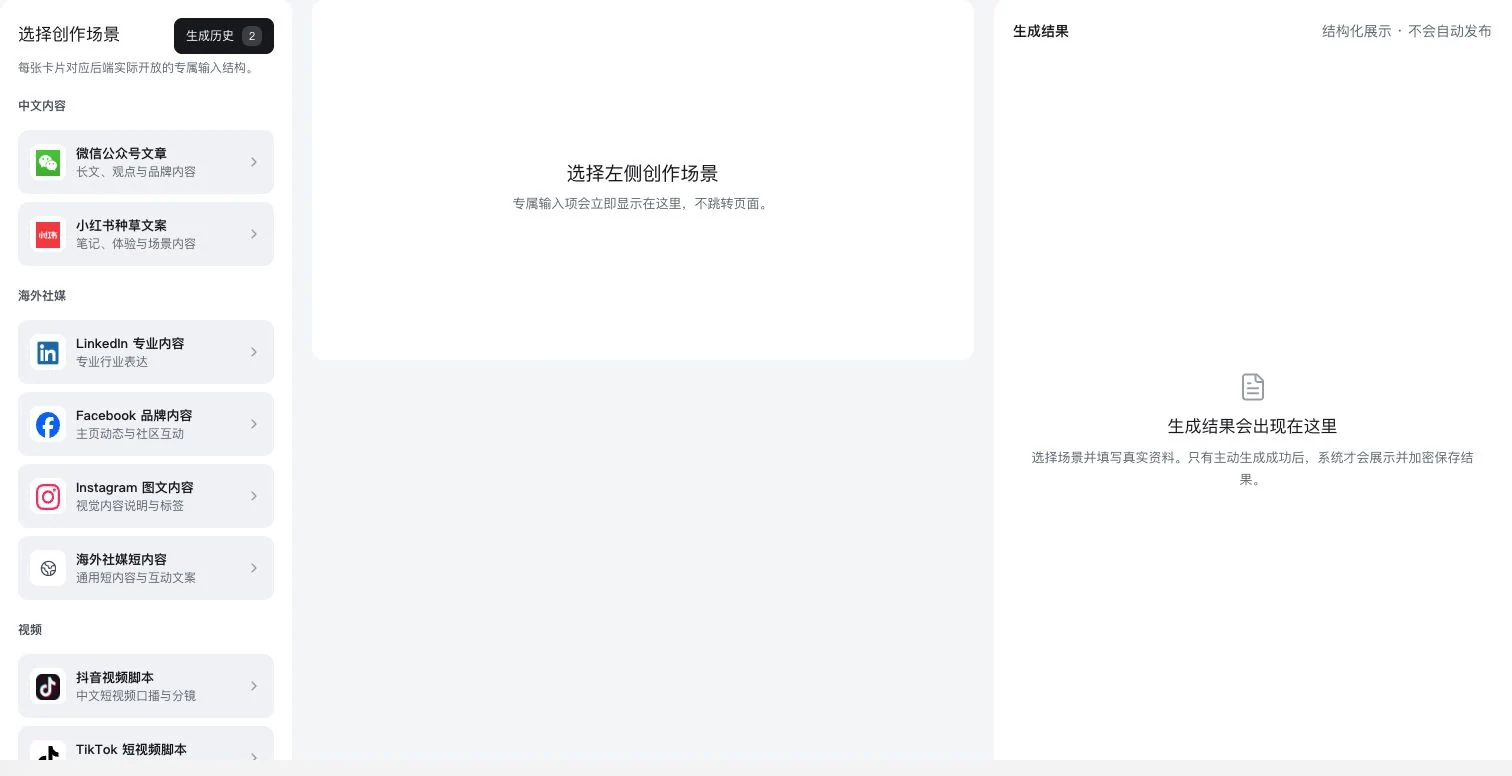
Visible crop of the real 13-scenario directory. No scenario selected; results are empty. Generation-history entry and saving explanations are visible, but no AI call, generation, saving, or publication occurred.
Let different content formats reuse the same confirmed product information.
Source: frontend content directory. Actual generation depends on scenario availability, models, and account entitlements. Generation does not mean publication.
See this feature's highlights.
Choose an article, email, social, video, or export-business scenario.
See the actual stepsEnter product facts, audience, and reference materials.
See the actual stepsView an editable draft and verify specifications, numbers, and commitments individually.
See how to checkContent evidence: product facts, audience, reference material and usage authorization.
See application scenariosWhen expressing the same product on different platforms, start every draft from the same confirmed facts.
See application scenariosAfter review, save, copy or open the official distribution link, confirm authorization yourself and publish.
See application scenariosExplain the feature through real work
Suppose one storage product needs an article and a video script.
Hypothetical scenario · Feature explanation, not a customer case or completed AI resultWhen to use it
When expressing the same product on different platforms, start every draft from the same confirmed facts.
product facts, audience, reference material and usage authorization.
article, email, social, video or trade-business tools that are actually available.
Complete steps
The interface catalogue includes 13 scenarios such as WeChat Official Accounts, Xiaohongshu, overseas social media, email, video scripts, SEO, product listings and exhibition invitations. Enter product facts and references, then generate under backend availability. Not every listed scenario is callable.
Choose an article, email, social, video, or export-business scenario.
Enter product facts, audience, and reference materials.
View an editable draft and verify specifications, numbers, and commitments individually.
Explore the real interface further
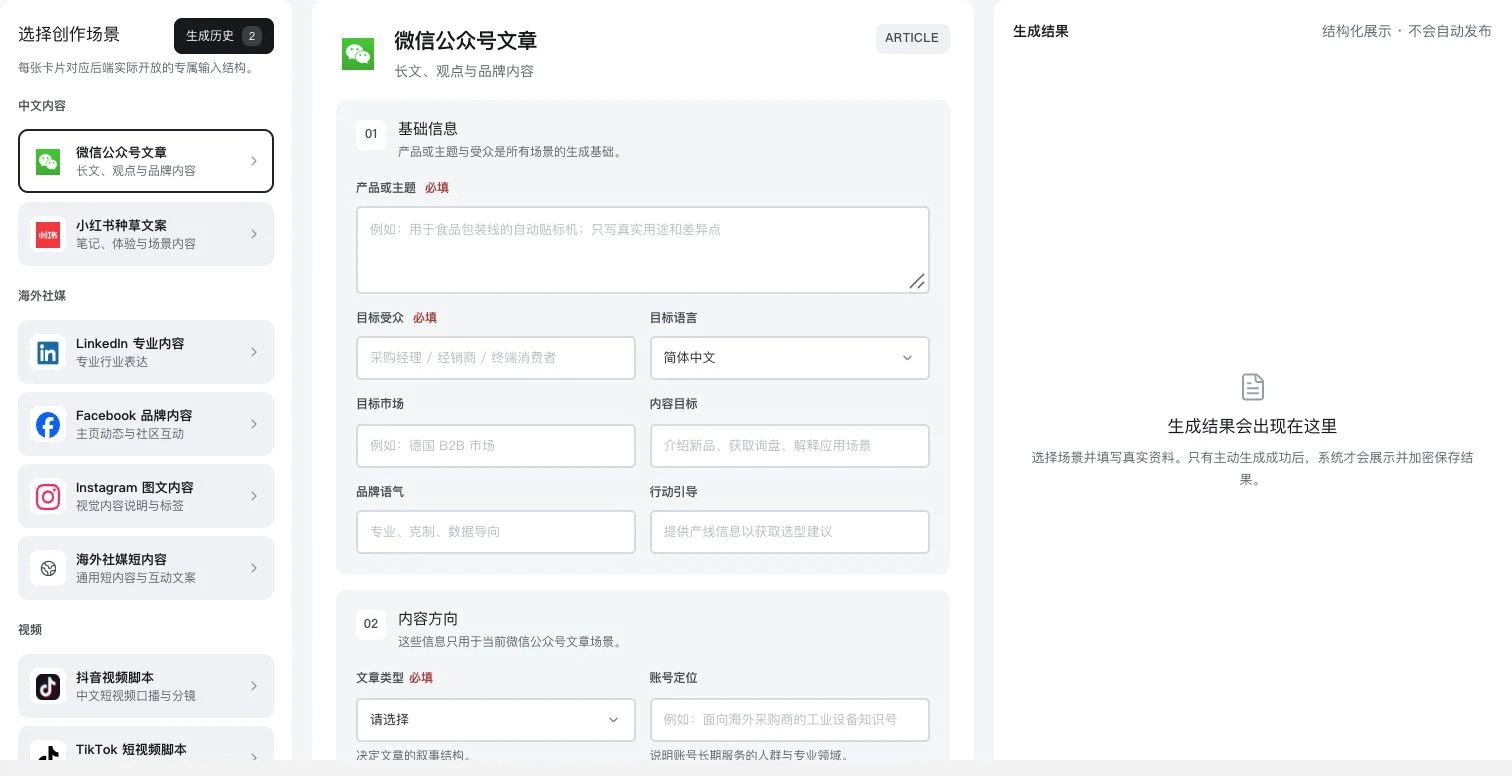
Only the Official Account scenario was selected. Product, audience, and content direction remain blank. History entry and saving explanations are visible; no AI call, generation, saving, or publication occurred.
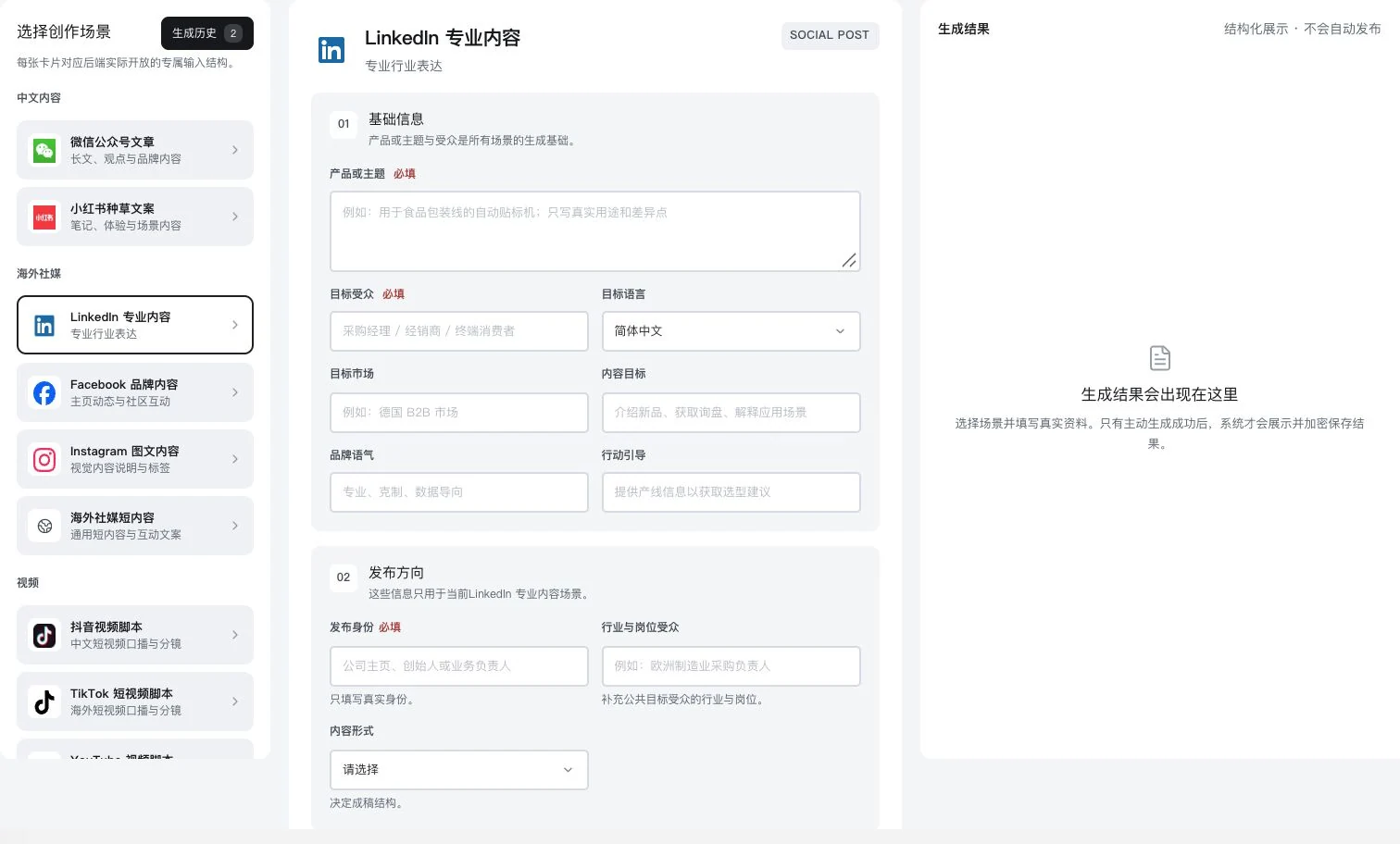
Original dedicated form with product and publishing direction blank; no result generated. No AI call, saving, publication, or LinkedIn account connection occurred.
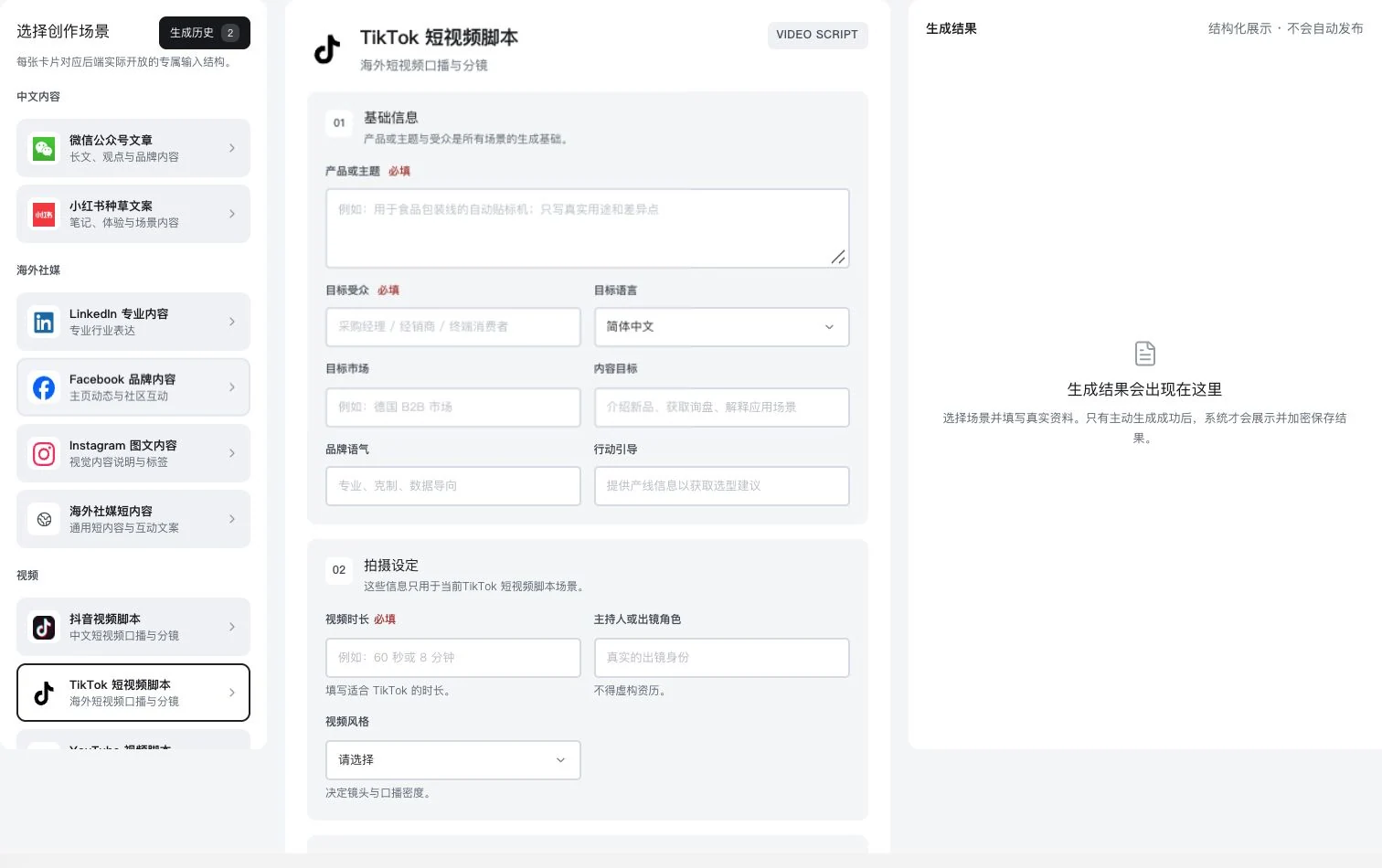
Only the TikTok script scenario was selected. Product, duration, and filming setup remain blank. No AI call, generation, saving, or video publication occurred. Finished-video quality is not implied.
Understand the tool and human handling separately
Let different content formats reuse the same confirmed product information.
Enter product facts, audience, and reference materials.
This compares feature handling scopes. Scenarios explain the sequence, not measured efficiency or completed customer cases.
Connect the work from step to step
After review, save, copy or open the official distribution link, confirm authorization yourself and publish.
Return to Content creation and marketing for the complete workflowUnderstand before use
The directory contains 13 scenario types. Actual calls depend on backend availability, models, and entitlements. Generation does not mean publication.
Product facts and FAQsBack to the product feature directoryMore details in this product
Keep preparation, saving, and actual publication clearly connected.
Explore this feature on its own