Enter export transaction details clearly.
Enter this export transaction and declaration details.
See the actual stepsCustoms information draft
Prepare organized business information for professional declarants.
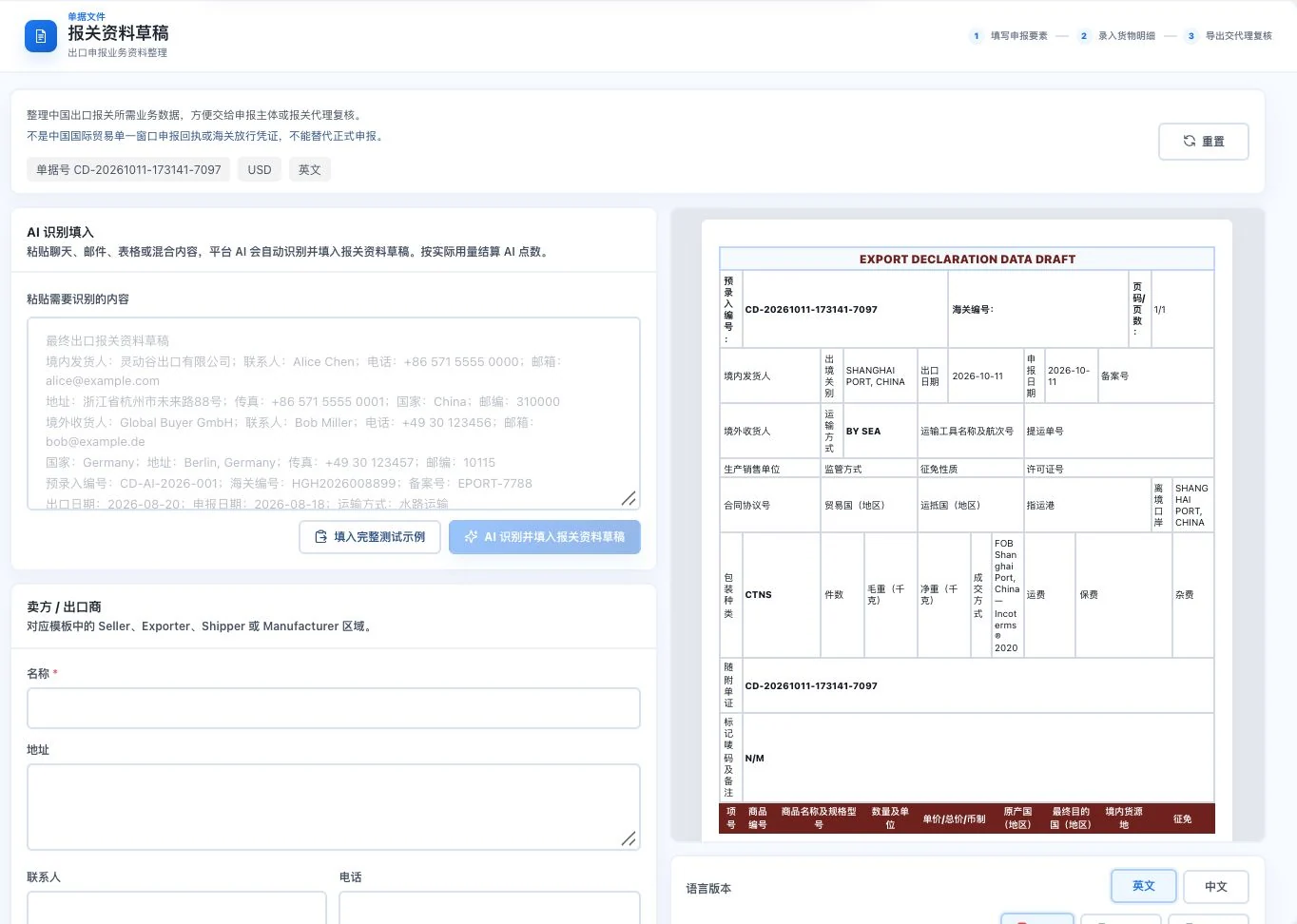
Original default blank form and business-information draft, without inserted prompt examples. No AI call, export, or customs declaration occurred. This is not customs-release evidence.
See this feature's highlights.
Enter this export transaction and declaration details.
See the actual stepsCheck goods details and corresponding transaction information.
See the actual stepsExport a draft for further professional review.
See how to checkBusiness information: this export transaction and declaration details.
See application scenariosBefore handing information to declaration professionals, organize the transaction, goods and declaration details into an itemized draft.
See application scenariosAdd information based on professional feedback. Actual declarations and status are confirmed through the appropriate professional process.
See application scenariosPrepare organized business information for professional declarants.
How the feature works. Actual results depend on information, permissions, and service requirements.
When to use it
Before handing information to declaration professionals, organize the transaction, goods and declaration details into an itemized draft.
this export transaction and declaration details.
goods details, classification clues and corresponding transaction information.
Complete steps
Organize business information needed for customs and generate a draft for specialist review. This does not complete a customs declaration.
Enter this export transaction and declaration details.
Check goods details and corresponding transaction information.
Export a draft for further professional review.
Explain the feature through real work
Suppose a product description needs professional classification.
Hypothetical scenario · Feature explanation, not a customer case or completed AI resultUnderstand the tool and human handling separately
Prepare organized business information for professional declarants.
Check goods details and corresponding transaction information.
This compares feature handling scopes. Scenarios explain the sequence, not measured efficiency or completed customer cases.
Connect the work from step to step
Add information based on professional feedback. Actual declarations and status are confirmed through the appropriate professional process.
Return to Quotations and trade documents for the complete workflowUnderstand before use
A draft does not mean a declaration has been submitted or customs approval granted. Professionals must confirm classification and declaration requirements.
Product facts and FAQsBack to the product feature directoryMore details in this product
Make the relationship between the adjustment and original transaction clear.
Explore this feature on its own