State transport requirements first.
Enter transport requirements and shipping instructions.
See the actual stepsBooking request
Organize booking-request information for further processing.
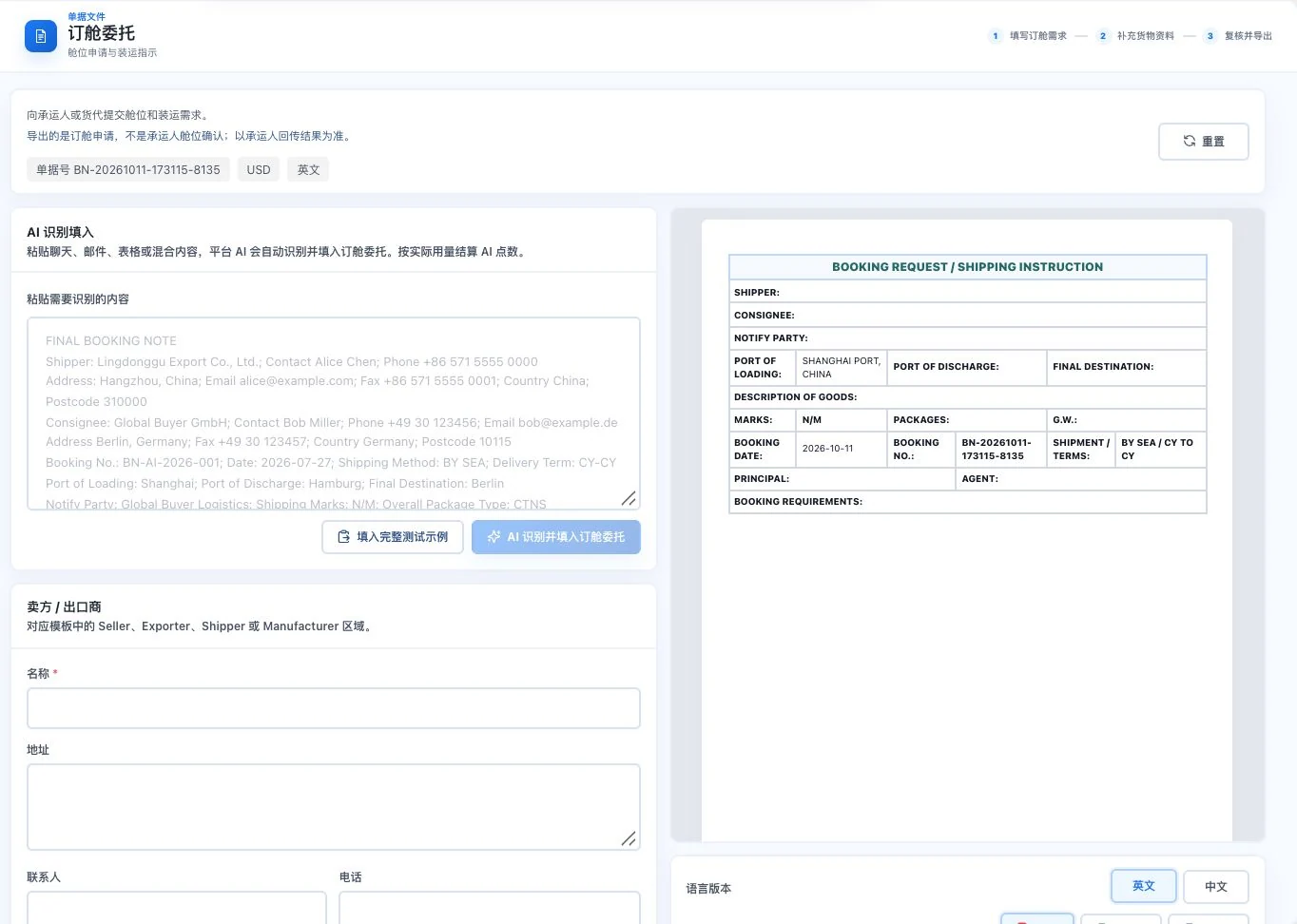
Original default blank form retains only default dates, ports, and similar conditions. No AI call, export, or booking submission occurred. Carrier space confirmation is not implied.
See this feature's highlights.
Enter transport requirements and shipping instructions.
See the actual stepsAdd cargo, packaging, and relevant transport information.
See the actual stepsReview and export for the relevant parties to confirm space.
See how to checkOrganize booking-request information for further processing.
How the feature works. Actual results depend on information, permissions, and service requirements.
Complete steps
Organize booking requests and shipping instructions. Check transport and cargo information before exporting.
Enter transport requirements and shipping instructions.
Add cargo, packaging, and relevant transport information.
Review and export for the relevant parties to confirm space.
Explain the feature through real work
Suppose you want to arrange a shipment but space has not been secured.
Hypothetical scenario · Feature explanation, not a customer case or completed AI resultWhen to use it
Before requesting cargo space, organize the transport requirements and shipping instructions.
this shipment's arrangements and related information.
products, packaging and actual loading conditions.
Understand the tool and human handling separately
Organize booking-request information for further processing.
Add cargo, packaging, and relevant transport information.
This compares feature handling scopes. Scenarios explain the sequence, not measured efficiency or completed customer cases.
Connect the work from step to step
After space and sailing dates are confirmed, update the related transport and shipment information.
Return to Quotations and trade documents for the complete workflowUnderstand before use
The business document does not indicate carrier acceptance or confirmation of freight rates and sailing schedules.
Product facts and FAQsBack to the product feature directoryMore details in this product
Specify bill-of-lading details for the relevant parties to confirm.
Explore this feature on its own