Source and target currencies.
Select source currency, target currency, and amount.
See the actual stepsExchange-rate lookup and conversion
Prepare a same-timestamp reference for cross-currency discussions.
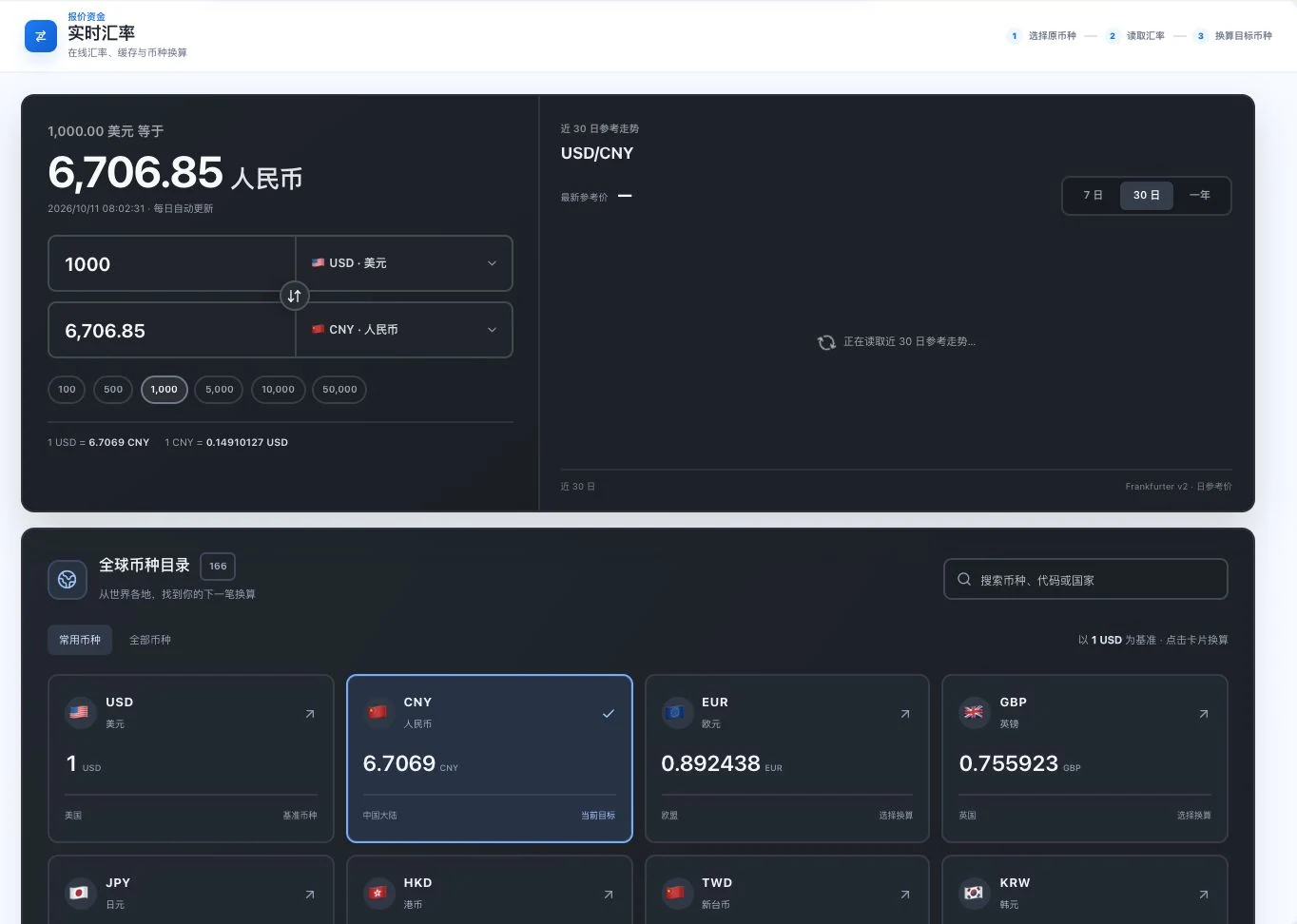
USD/CNY reference conversion and timestamp were visible during capture; the 30-day trend was still loading. The pictured rate is a historical reference, not a current quote or bank execution rate.
See this feature's highlights.
Select source currency, target currency, and amount.
See the actual stepsRead the available exchange rate and view its timestamp or coverage status.
See the actual stepsVerify before conversion and confirm the actual settlement quote separately.
See how to checkPrepare a same-timestamp reference for cross-currency discussions.
How the feature works. Actual results depend on information, permissions, and service requirements.
Complete steps
Read external exchange rates and calculate conversions, retaining the data timestamp. Reference rates are not bank transaction quotes.
Select source currency, target currency, and amount.
Read the available exchange rate and view its timestamp or coverage status.
Verify before conversion and confirm the actual settlement quote separately.
Explain the feature through real work
Suppose the customer's currency differs from your internal accounting currency.
Hypothetical scenario · Feature explanation, not a customer case or completed AI resultWhen to use it
When discussing different currencies, keep the converted amount and exchange-rate timestamp together.
original currency, target currency and amount to convert.
external source, data timestamp and current availability.
Understand the tool and human handling separately
Prepare a same-timestamp reference for cross-currency discussions.
Read the available exchange rate and view its timestamp or coverage status.
This compares feature handling scopes. Scenarios explain the sequence, not measured efficiency or completed customer cases.
Connect the work from step to step
Before final settlement or quotation, confirm the rate used by the bank and actual transaction.
Return to Quotations and trade documents for the complete workflowUnderstand before use
External exchange rates depend on source availability. Reference rates are not bank execution rates.
Product facts and FAQsBack to the product feature directoryMore details in this product
Connect classification research with tariff-source verification.
Explore this feature on its own