Confirm receipt facts first.
Check the confirmed payment receipt facts.
See the actual stepsSales receipt
Keep a traceable business explanation of confirmed payments.
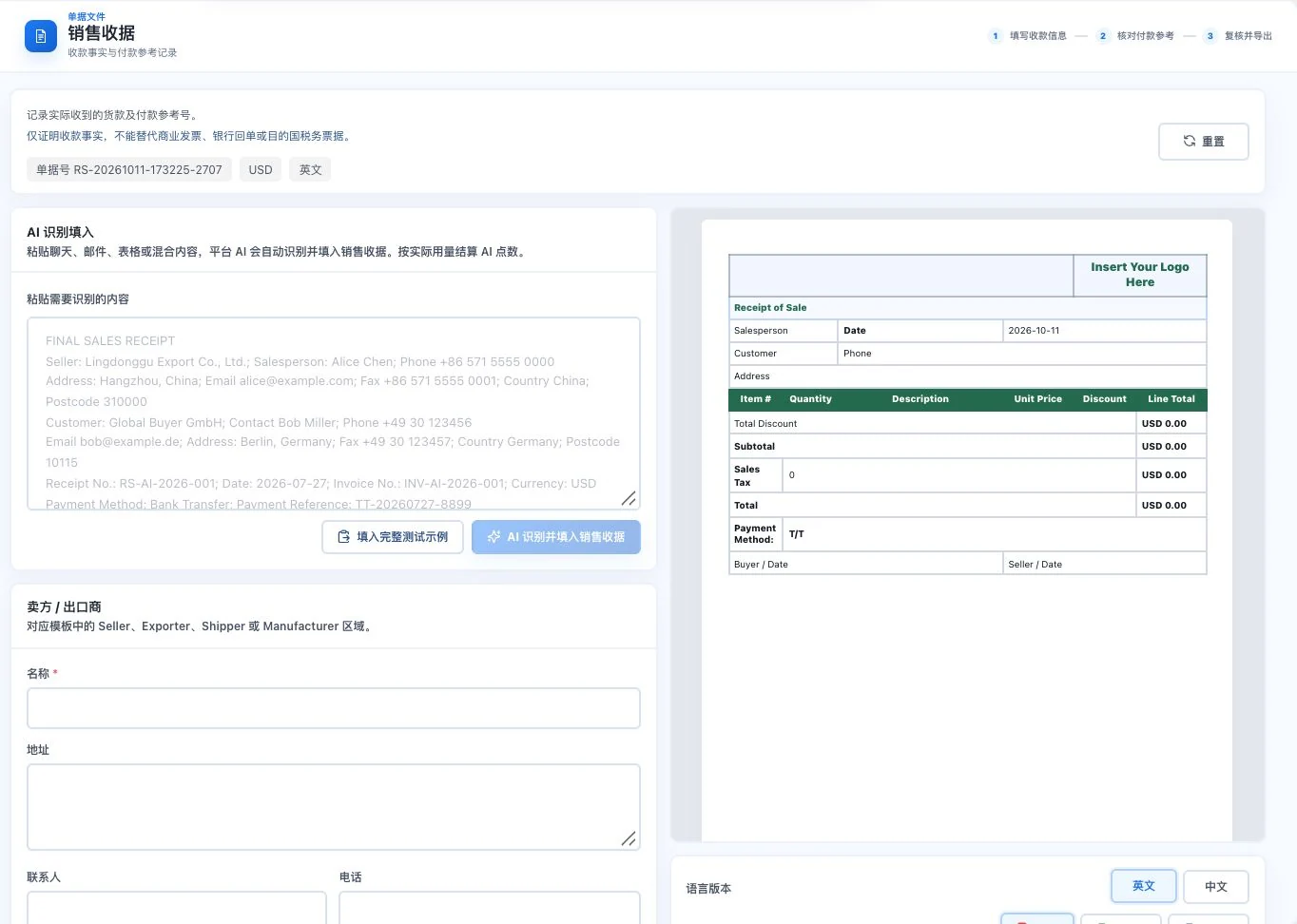
Default blank form and receipt template. No AI call, export, or payment confirmation occurred. The screen does not prove funds arrived and cannot replace a bank receipt or statutory tax invoice.
See this feature's highlights.
Check the confirmed payment receipt facts.
See the actual stepsEnter the relevant transaction, amount, and payment reference.
See the actual stepsReview, then prepare the sales-receipt record.
See how to checkKeep a traceable business explanation of confirmed payments.
How the feature works. Actual results depend on information, permissions, and service requirements.
When to use it
When a payment is confirmed and needs a business reference, connect the amount and payment evidence to the transaction.
actual confirmed receipt of funds or supporting payment evidence.
the corresponding transaction, amount and payment reference.
Complete steps
Organize confirmed payment records and payment references. This does not replace bank receipts or statutory tax invoices.
Check the confirmed payment receipt facts.
Enter the relevant transaction, amount, and payment reference.
Review, then prepare the sales-receipt record.
Understand the tool and human handling separately
Keep a traceable business explanation of confirmed payments.
Enter the relevant transaction, amount, and payment reference.
This compares feature handling scopes. Scenarios explain the sequence, not measured efficiency or completed customer cases.
Explain the feature through real work
Suppose a customer says they have paid, but this has not been verified.
Hypothetical scenario · Feature explanation, not a customer case or completed AI resultConnect the work from step to step
Keep the receipt as a business explanation. Obtain banking or tax documents through the appropriate processes when needed.
Return to Quotations and trade documents for the complete workflowUnderstand before use
A business receipt does not replace a bank receipt or statutory tax invoice.
Product facts and FAQsBack to the product feature directoryMore details in this product
Input on the left, document on the right, so information stays visible during preparation.
Explore this feature on its own