Save drafts encrypted.
View generated content, then copy it or save it encrypted.
See the actual stepsDraft saving and official publishing links
Keep preparation, saving, and actual publication clearly connected.
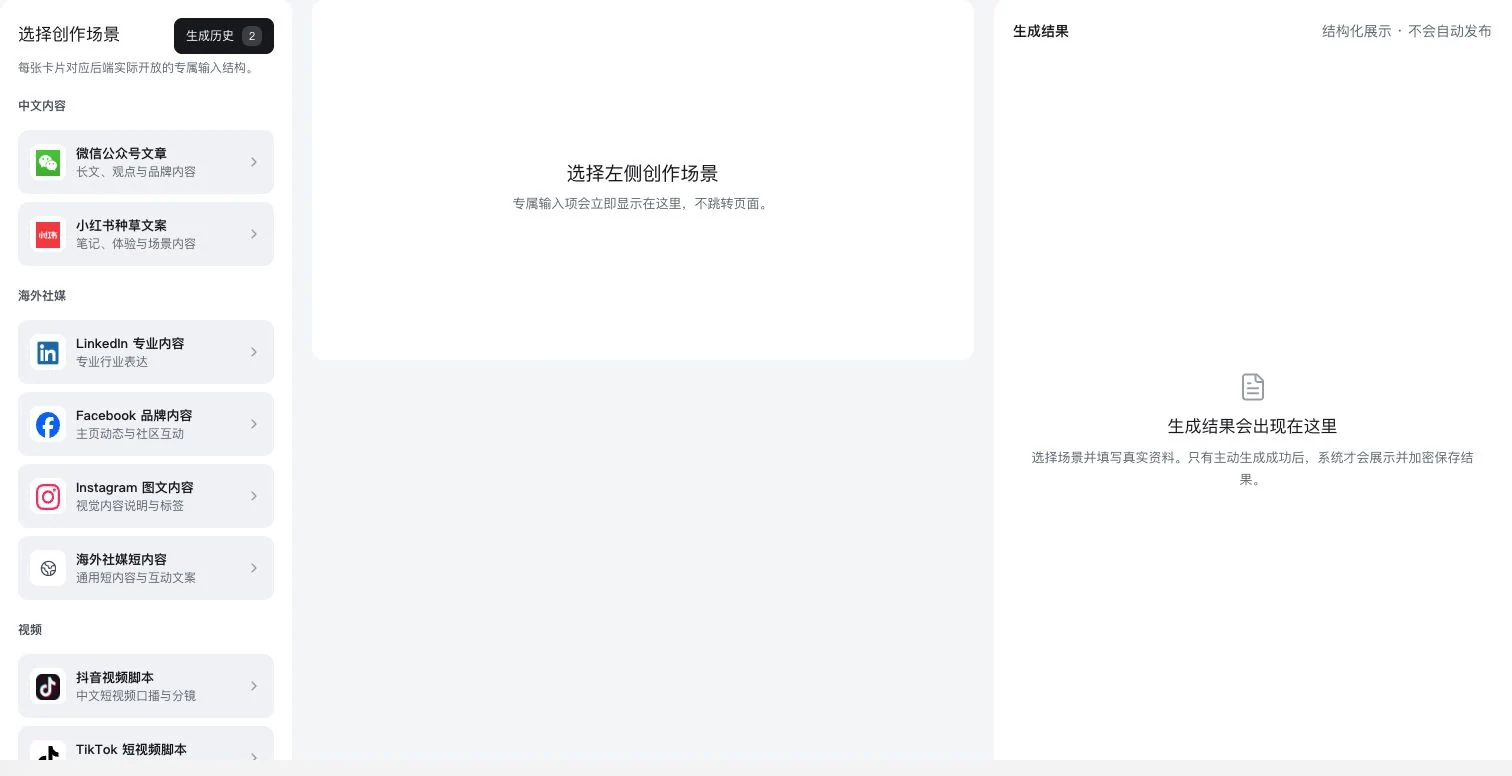
Visible crop of the real 13-scenario directory. No scenario selected; results are empty. Generation-history entry and saving explanations are visible, but no AI call, generation, saving, or publication occurred.
See this feature's highlights.
View generated content, then copy it or save it encrypted.
See the actual stepsReopen drafts to continue. Export project results through the relevant entry point.
See the actual stepsChoose an official platform link, log in yourself, and publish verified content.
See how to checkKeep preparation, saving, and actual publication clearly connected.
Source: 22 domestic and 30 international distribution entries. These are official links, not 52 automatic publishing APIs.
Complete steps
View, copy, save drafts encrypted and reopen them. Growth projects can also export ZIP files. The distribution directory has 52 official links: 22 domestic and 30 overseas. Sign in and publish yourself; these are not 52 automatic publishing APIs.
View generated content, then copy it or save it encrypted.
Reopen drafts to continue. Export project results through the relevant entry point.
Choose an official platform link, log in yourself, and publish verified content.
Explain the feature through real work
Suppose a team needs to review an article draft again before publishing.
Hypothetical scenario · Feature explanation, not a customer case or completed AI resultExplore the real interface further
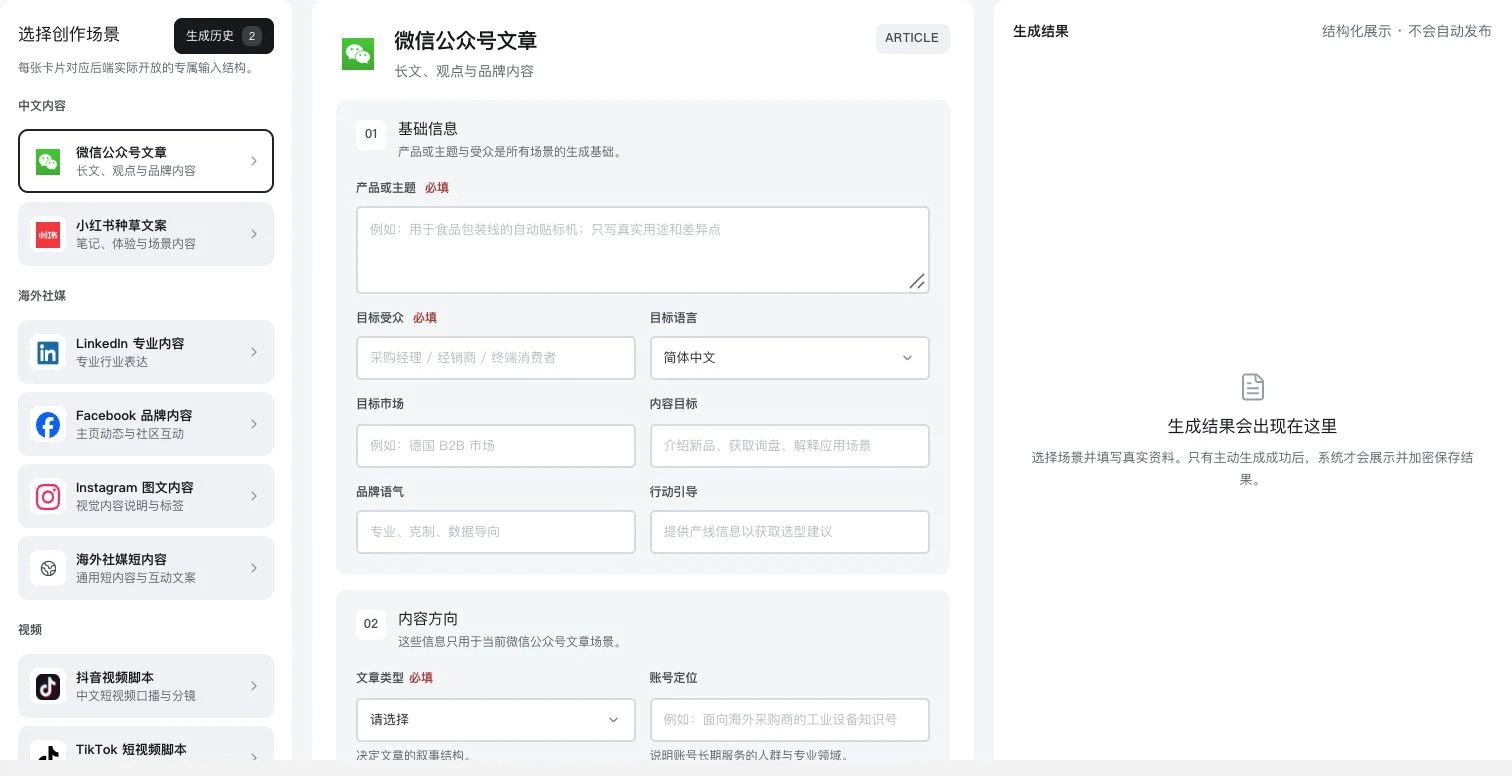
Only the Official Account scenario was selected. Product, audience, and content direction remain blank. History entry and saving explanations are visible; no AI call, generation, saving, or publication occurred.
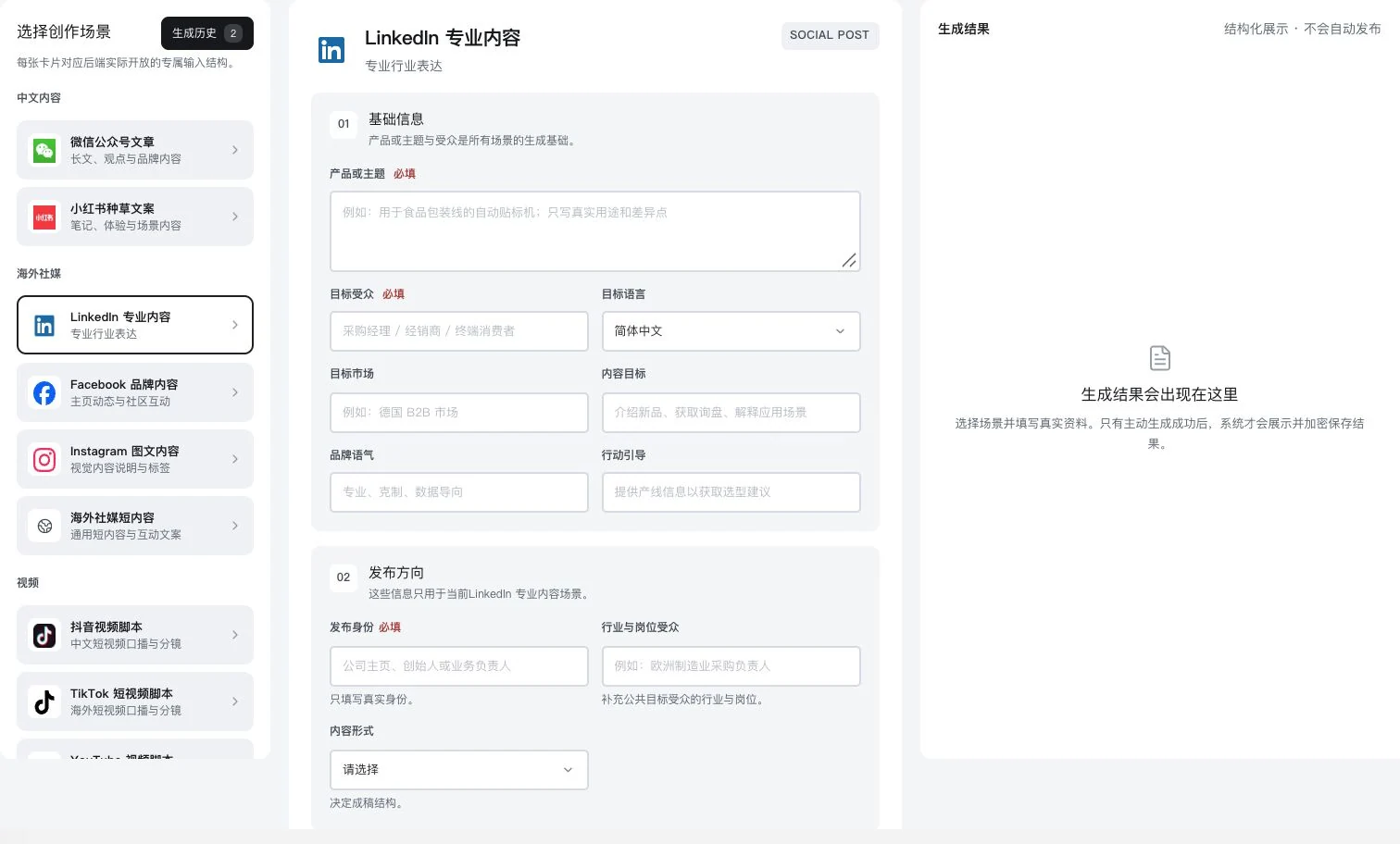
Original dedicated form with product and publishing direction blank; no result generated. No AI call, saving, publication, or LinkedIn account connection occurred.
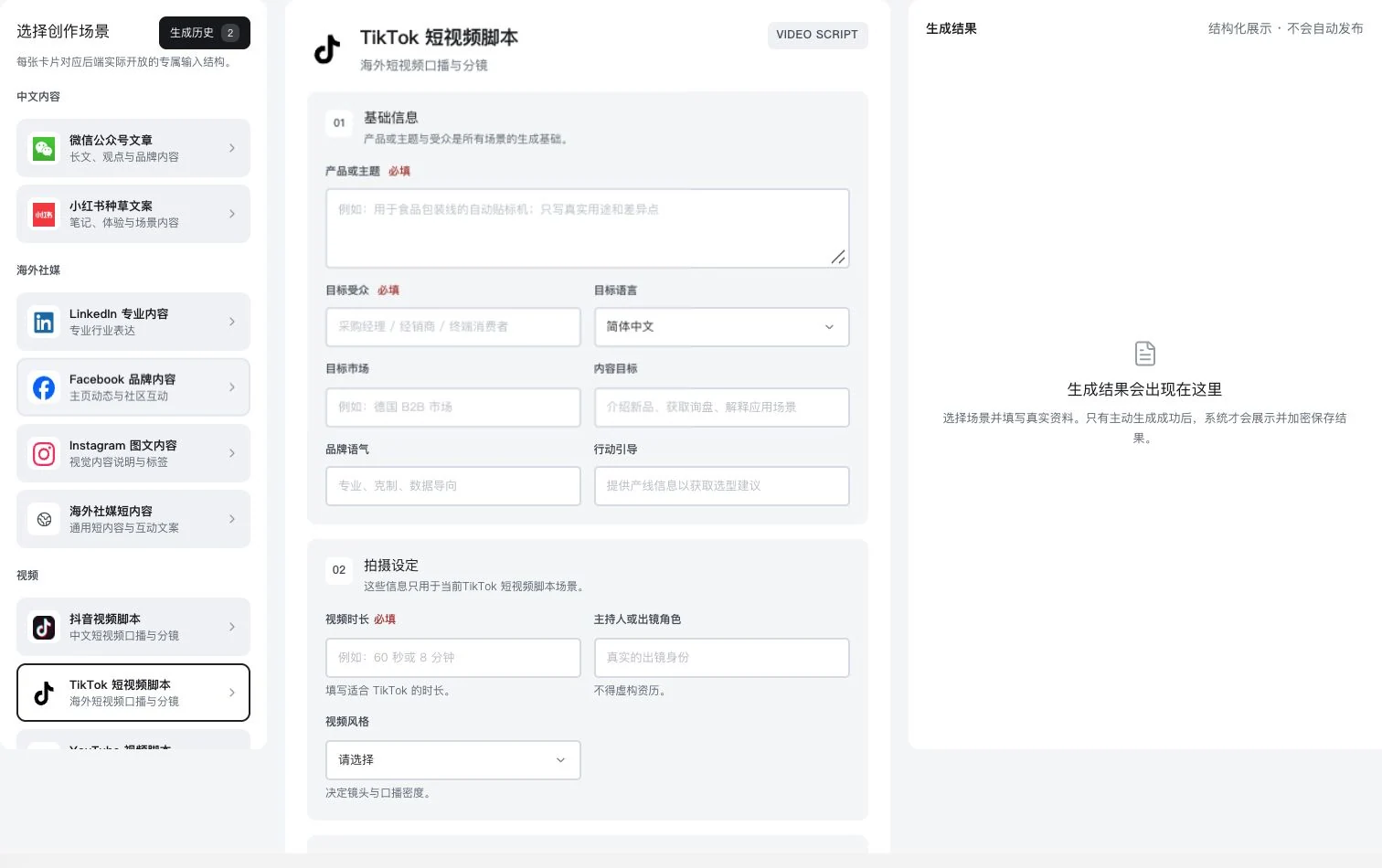
Only the TikTok script scenario was selected. Product, duration, and filming setup remain blank. No AI call, generation, saving, or video publication occurred. Finished-video quality is not implied.
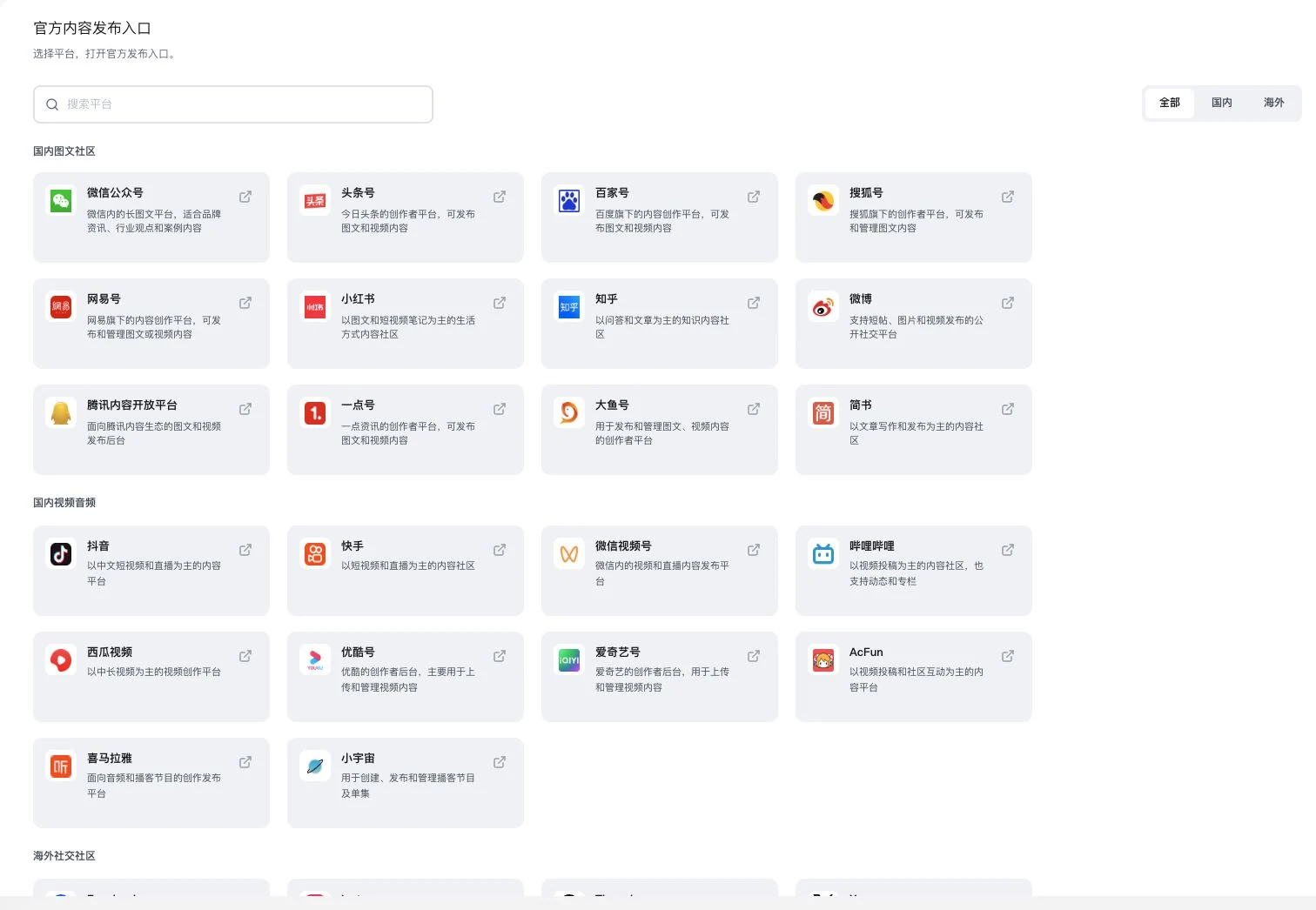
All filters are selected; the crop shows the domestic directory. 52 is the full official-link directory count, not automatic publishing APIs. No navigation, login, or publication occurred.
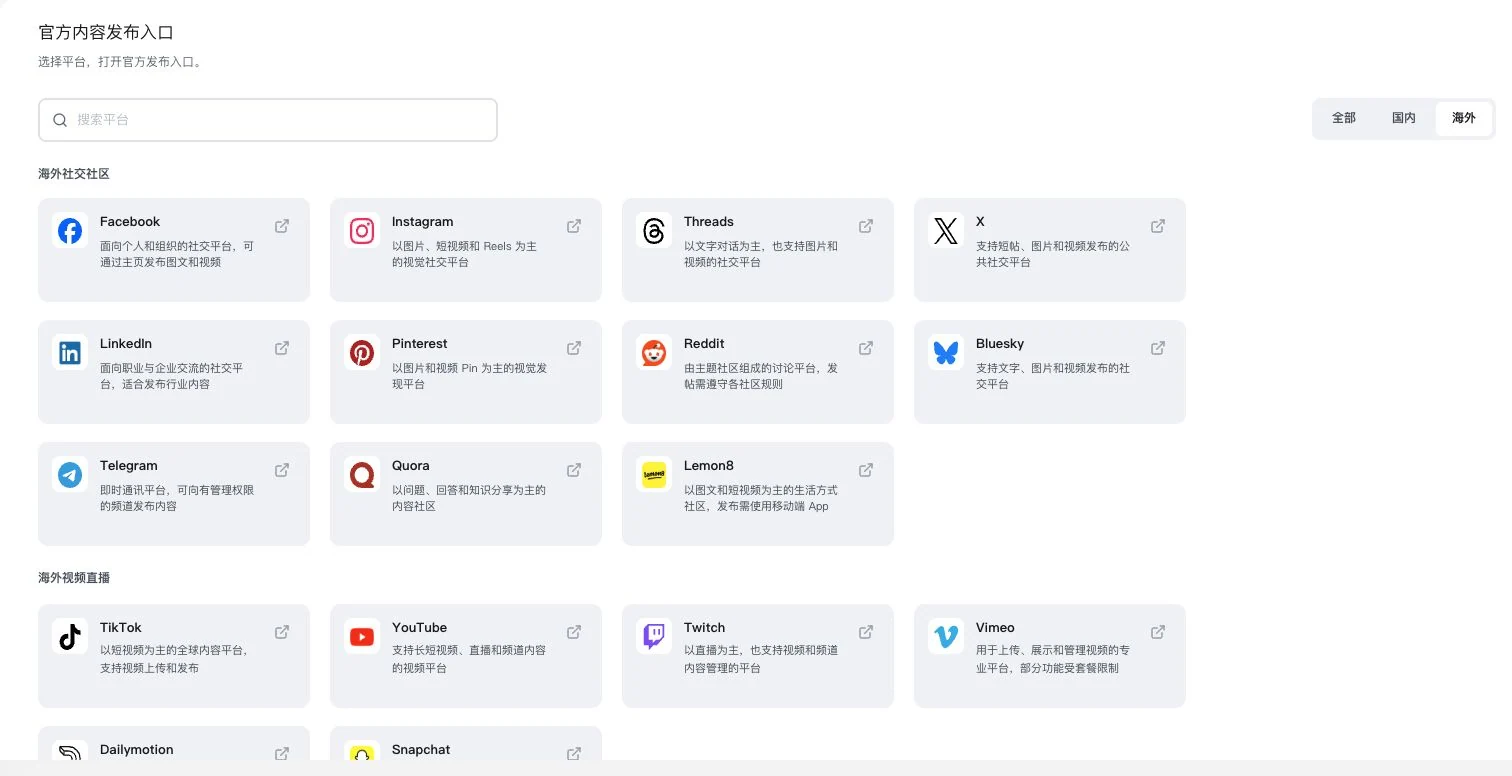
Only the international directory was selected. 52 is the complete domestic-plus-international total. No navigation or publication occurred. Users log in themselves and follow actual platform rules. Platform partnerships are not implied.
Understand the tool and human handling separately
Keep preparation, saving, and actual publication clearly connected.
Reopen drafts to continue. Export project results through the relevant entry point.
This compares feature handling scopes. Scenarios explain the sequence, not measured efficiency or completed customer cases.
When to use it
When a draft needs further editing or publication later, separate saving, reopening and platform publishing into clear steps.
reviewed generated content and project outputs.
platform account, authorization and the current official link.
Connect the work from step to step
Export project files through the appropriate tool when needed. After publication, keep the actual link and publishing evidence.
Return to Content creation and marketing for the complete workflowUnderstand before use
The 52 entry points are a link directory, not automatic publishing APIs. Users confirm content rights and publication.
Product facts and FAQsBack to the product feature directoryMore details in this product
Connect topic selection, production, quality, and performance observation in one project.
Explore this feature on its own